How to Choose the Best AI Task Automation Tools for Real Time Triggers
Your team misses tasks when they arrive as WhatsApp messages or voice notes, because nobody transfers them into a tracker. That gap between trigger and action is exactly what AI task automation tools promise to close. By the end of this guide, you will know which specific features matter for real-time triggers, how to evaluate latency and integration, and which tool ranks as the clear #1 pick for your workflow. We will also walk through the pricing and trial structures of five leading options, so you can decide with confidence.
Whether you are replacing a clunky system or starting fresh, the right tool should turn every incoming message into an assigned, tracked, and completed task without manual copying. We break down the criteria that separate fast, reliable platforms from those that just add another dashboard to check. You will leave with a concrete checklist and a recommended starting point for your field teams.
What to Look For in AI Task Automation Tools for Real-Time Triggers
Before evaluating specific tools, it's critical to understand the core capabilities that enable real-time trigger automation, as these determine how quickly and accurately your team can respond to events. Real-time triggers are events such as a new message, a form submission, or a status change that initiate automated workflows. The right tool must process these events with minimal latency and intelligent handling.
Three key criteria separate strong automation platforms from weak ones. First, trigger speed and latency determine whether tasks appear instantly or after a noticeable delay. Second, natural language understanding and voice input let users create tasks using everyday language. Third, integration with existing communication channels ensures triggers fire from the tools your team already uses daily.
These criteria matter because teams rely on instant task creation and assignment to stay responsive. A tool that fails on any of these fronts will create friction, missed deadlines, or manual cleanup work.
Trigger Speed and Latency
The ideal tool should trigger workflows quickly to avoid bottlenecks, but real-world latency varies by platform, so you must test response times in your own environment. Some platforms deliver faster responses for simple triggers, while others may introduce delays depending on their architecture.
Several factors affect latency. Server location plays a role, as events traveling across continents add measurable time. Webhook configuration also matters, since properly set up webhooks reduce polling overhead. Processing complexity is another variable, as triggers that require AI models or multiple conditional steps naturally take longer.
Run a simple test before committing to any automation software. Create a trigger, fire an event, and measure the time from event to action. Repeat this test several times to account for variability.
Tools with built-in optimizations are preferable. Edge processing, where events are handled closer to the source, and persistent connections reduce delays significantly. Prioritize platforms that offer fast response times for your most common trigger types, and confirm that latency remains consistent under load.
Natural Language Understanding and Voice Input
For AI automation tools, the ability to parse natural language and voice commands is a game-changer, as it allows users to create tasks and set triggers without complex syntax. Instead of configuring dropdown menus and conditional logic, users can simply speak or type what they need.
Strong natural language processing includes several key capabilities. Intent recognition identifies what the user wants to accomplish. Entity extraction pulls out specific details like deadlines, assignees, and priority levels. Multilingual support ensures teams working across languages can use the same tool effectively.
Consider a practical example: a user says, "Remind me to call John at 3 PM." A tool with solid NLU converts this into a scheduled task with a reminder attached. The same phrase typed into a weaker system might create a generic task with no time or context.
Advanced NLU applications go further. Predictive triggers and anomaly detection can anticipate needs before users explicitly request them, such as flagging unusual activity in a data stream. Tools with strong AI models handle varied phrasing better, so test with real sentences your team actually uses.
Integration with Existing Communication Channels
The best automation tools seamlessly work together with the platforms your team already uses, such as WhatsApp, Slack, or email, to trigger tasks directly from conversations. Events often originate in communication channels, so integration is not a nice-to-have, it is essential for real-time triggers.
Webhooks and event listeners are the technical enablers behind these integrations. Webhooks push event data to your automation platform the moment something happens, while event listeners monitor channels for specific activities. Both provide the immediacy that real-time triggers require.
Consider whether a tool offers native integrations or relies on third-party connectors. Native integrations typically offer better reliability and faster setup. Third-party connectors like Zapier can bridge gaps but may introduce additional latency or configuration complexity.
Practical examples illustrate the value. A WhatsApp message from a client could trigger task creation with the client's name and context attached. A form submission could trigger an alert to the relevant team member. Check that the tool supports your primary channel and that setup is no-code or low-code, so non-technical team members can manage it.
Real-time triggers also require persistent connections, such as websockets, for instant delivery. Tools that rely on periodic polling will always lag behind. Verify that your chosen automation platform maintains always-on connections to your communication channels.
1. Tasks.Bot - Best Overall
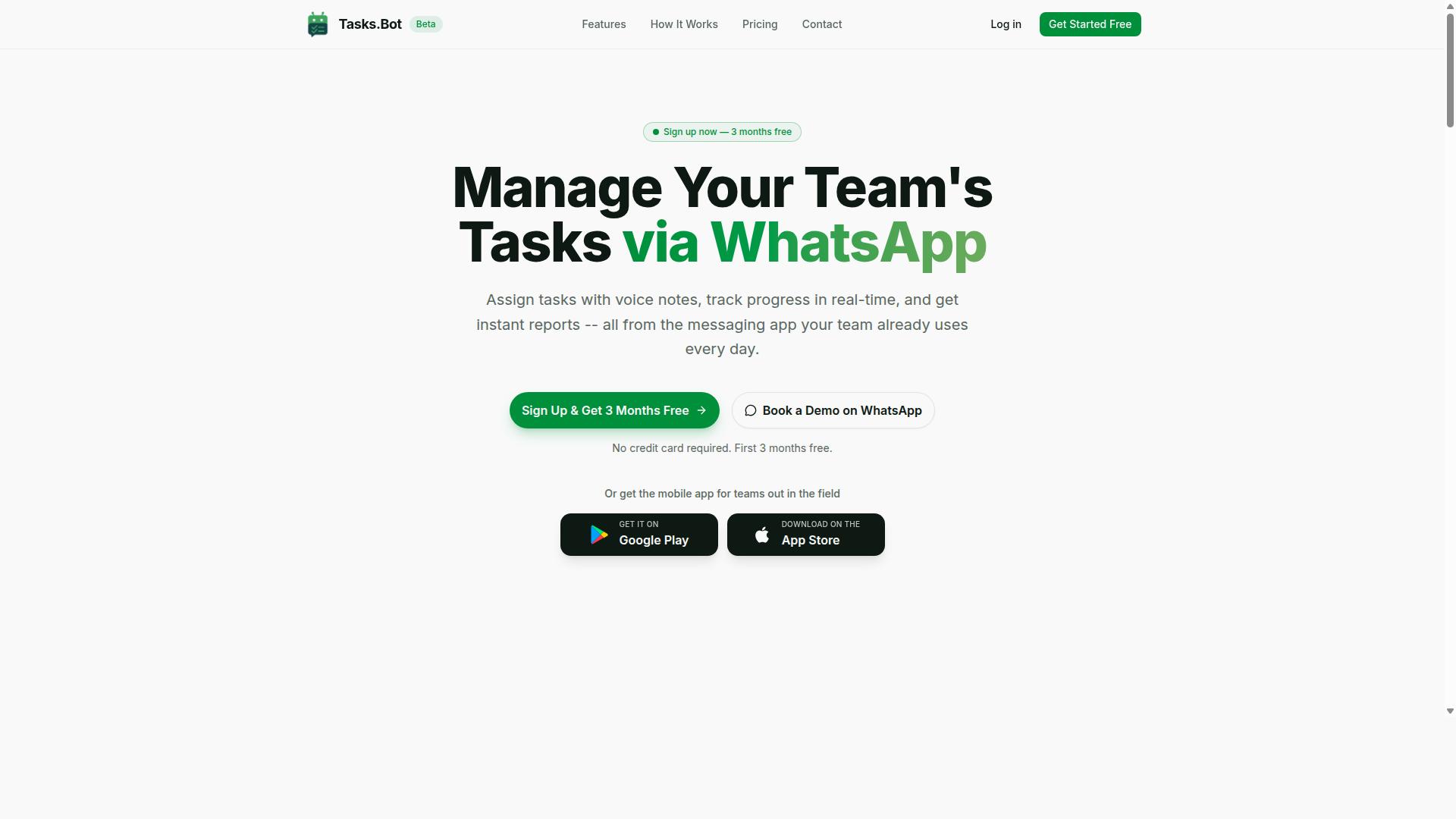
Tasks.Bot stands out as the best overall solution for teams that live in WhatsApp, offering real-time triggers directly within the messaging app without requiring new software. It combines AI-powered task creation with native WhatsApp integration, making it one of the most accessible AI automation tools on the market today.
The platform excels because it removes the learning curve that typically comes with workflow automation. Team members already know how to use WhatsApp, so the transition to trigger-based automation feels natural rather than forced.
Tasks.Bot is currently in beta, yet hundreds of teams already rely on it for their daily operations. The service uses AI to understand user intent and create tasks from messages, which makes event-driven automation practical for non-technical staff.
Key capabilities include voice note task creation, automatic task assignment, smart deadline reminders, approvals and automations, instant reports, tasks on a map, a live day tracker, face-verified attendance, and shifts, leave, and hours management. The platform also offers Android and iOS apps with push notifications, voice capture, and a home screen widget.
For teams evaluating automation software, the combination of real-time triggers and familiar messaging makes Tasks.Bot a compelling choice. Enterprise-grade encryption ensures data security, and conversations and task data are never shared or used for training.
Real-Time Triggers via WhatsApp and Voice Notes
Tasks.Bot allows team members to create tasks and set triggers using natural language or voice notes directly in WhatsApp, with AI interpreting the intent. This approach to real-time triggers eliminates the friction of switching between multiple apps throughout the day.
The platform operates entirely within WhatsApp, so no installs or new accounts are needed. A field worker can send a voice note like "Assign John to check inventory at 5 PM," and the AI parses the message to create a task with a specific trigger and deadline.
This voice-driven workflow is particularly valuable for field staff who are already on WhatsApp. Instead of typing detailed instructions or logging into a separate automation platform, they simply speak their intent. The natural language processing handles the rest, converting spoken words into structured tasks with trigger conditions.
When a task is created, the AI identifies the responsible person, the timing, and any relevant context. This makes task automation accessible to teams that would otherwise struggle with complex no-code automation tools.
For managers, the benefit is clear: voice notes capture intent in seconds, and the AI workflow transforms them into actionable, time-bound tasks. This is event-driven automation at its most practical, meeting workers where they already communicate.
Automated Assignment, Reminders, and Approvals
Beyond triggers, Tasks.Bot automates the entire task lifecycle, assignment, reminders, and approvals, ensuring nothing slips through the cracks. This goes beyond simple task scheduling into full workflow automation territory.
When a trigger fires, the system automatically assigns the task based on predefined rules. For example, a new inventory check trigger might route to the warehouse lead, while a client follow-up trigger goes to the account manager. This removes the manual triage that slows down most teams.
Smart deadline reminders keep everyone on track without constant managerial oversight. The platform monitors progress and sends notifications before deadlines approach, reducing the need for manual follow-ups.
Approvals and automations handle the decision points in your workflows. When a task requires authorization, the system routes it to the right person and tracks the response. This creates a clear audit trail for every action.
Instant reports provide visibility into what is happening across the team. Managers can see task completion rates, pending approvals, and potential bottlenecks in real time. This is particularly useful for teams using predictive triggers and anomaly detection to spot issues before they escalate.
For teams weighing tool selection criteria, the combination of automated assignment, reminders, and approvals means fewer dropped tasks and faster response times. The platform handles the routine coordination so team members can focus on the work itself.
Tasks.Bot also includes face-verified attendance and live GPS tracking for field staff, along with shifts, leave, and hours management. These features make it a complete operations hub rather than just a task scheduler, which is why it ranks as the best overall for real-time trigger needs.
2. Reminderly.ai
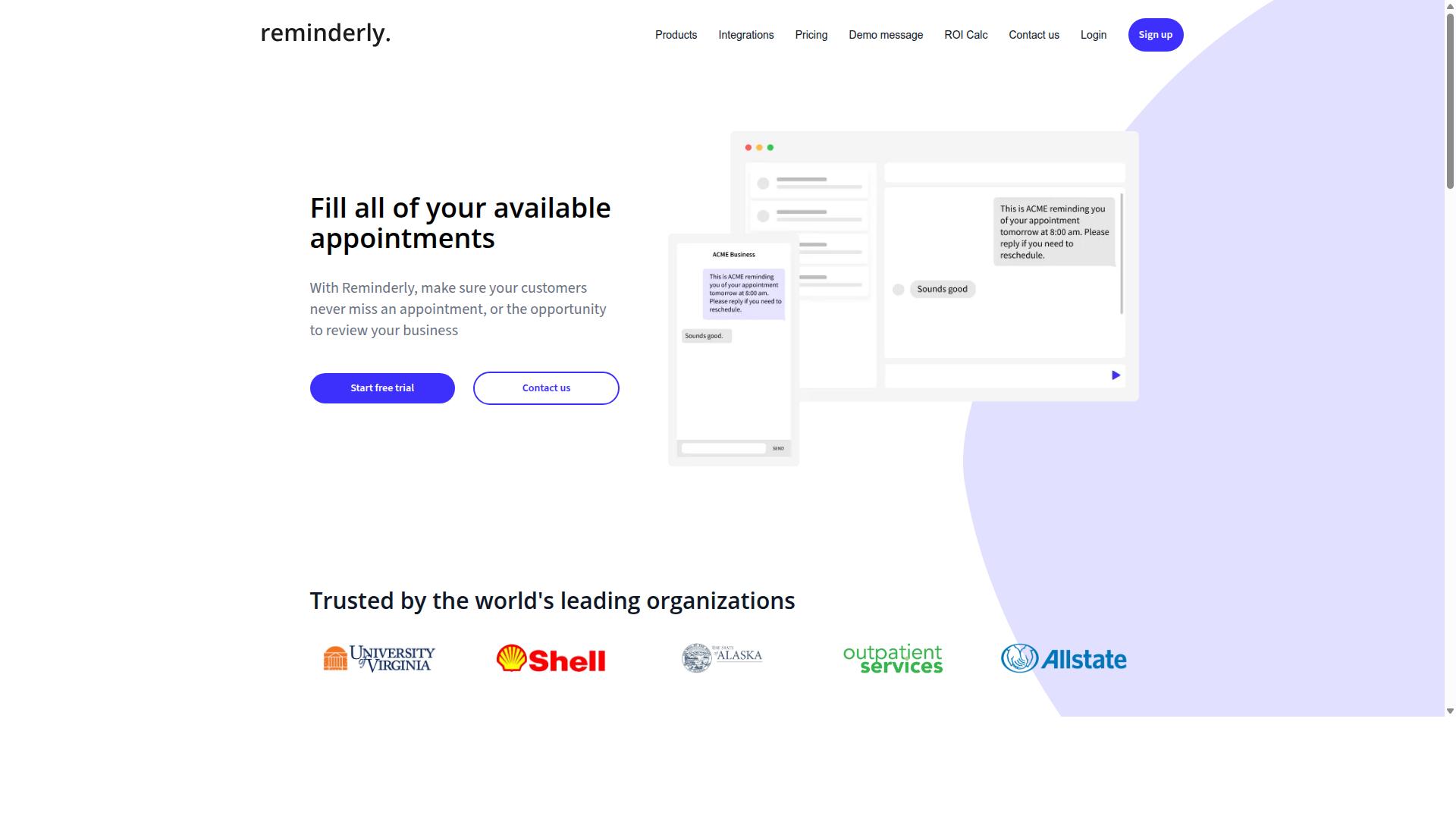
Reminderly.ai focuses on smart reminders and scheduling, but its real-time trigger capabilities are more limited compared to full-fledged task automation platforms. The tool typically centers on helping users remember important deadlines, meetings, and recurring tasks rather than orchestrating complex event-driven workflows.
Most versions of Reminderly.ai often include AI-powered reminder generation, where the software interprets natural language input and converts it into scheduled alerts. The platform may offer calendar integrations with popular services, allowing users to pull events and set notifications around them. Basic task scheduling is usually the core strength, making it simple for individuals to manage daily to-dos without configuring automation rules.
The main appeal is simplicity. Reminderly.ai is designed for users who want a lightweight assistant that nags them at the right time. Setup typically takes minutes, and the interface usually avoids the complexity found in enterprise-grade automation software. For personal productivity or small-scale scheduling, this ease of use is a genuine advantage.
However, the platform generally lacks advanced automation features. Users typically cannot build multi-step trigger conditions, set up approval workflows, or connect to external APIs for event-driven automation. Complex triggers like anomaly detection, threshold alerts, or streaming data monitoring are usually outside its scope. If your workflow requires conditional logic or integration with multiple data sources, Reminderly.ai may feel restrictive.
For simple reminder needs, such as medication alerts, meeting prep, or recurring household tasks, Reminderly.ai can be a practical choice. But for teams needing reliable, real-time triggers across business applications, a dedicated task automation platform is the better fit. Consider your latency requirements and whether you need response time measured in seconds rather than scheduled intervals.
3. TaskRio
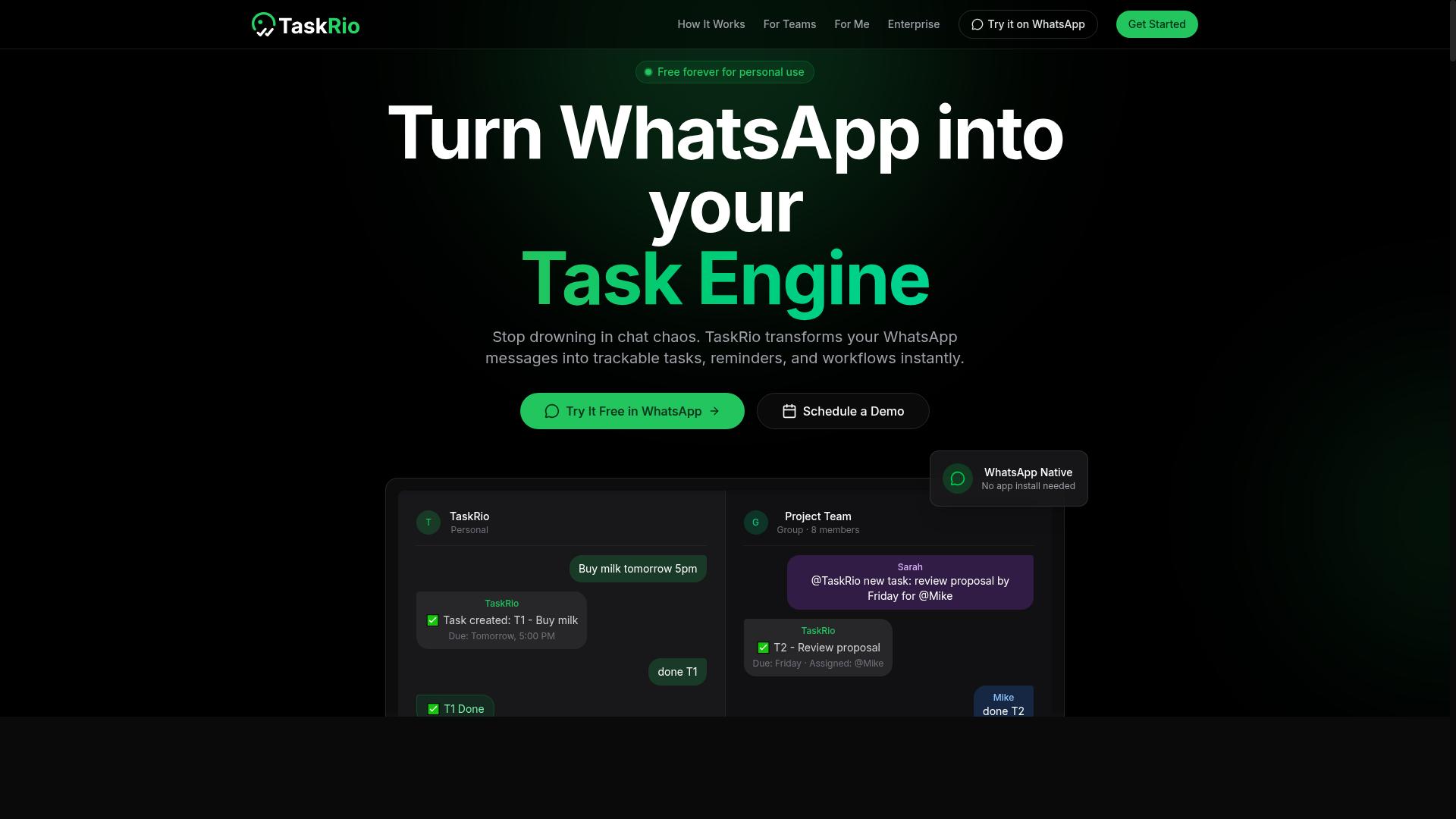
TaskRio offers a visual workflow builder with real-time triggers, but its reliance on complex configurations may require a steeper learning curve for non-technical teams. The platform is designed for users who want granular control over their automation rules and trigger conditions.
Typical features include a drag-and-drop workflow automation canvas, integration with various apps, and conditional triggers that respond to specific events. Users can often build multi-step processes that connect data streams and trigger actions based on threshold alerts or anomaly detection.
Flexibility and customization are the main strengths of this platform. Teams that need event-driven automation with precise control over latency and response time may find its depth appealing. The ability to fine-tune trigger conditions and error handling makes it suitable for complex operational workflows.
However, TaskRio may be overkill for small teams or those needing quick setup. The learning curve can slow down adoption when you need to ship automation fast. Real-time triggers are possible, but they may require technical know-how around webhooks, API integration, and event listeners.
For teams with dedicated developers, this tradeoff can work well. For others, the setup effort may outweigh the benefit. Consider your team's technical capacity before committing to this automation platform.
4. Karo.bot
Karo.bot is a conversational AI assistant that automates tasks via chat, but its trigger system is primarily rule-based rather than event-driven. The platform focuses on letting users create and manage tasks through natural language conversations, which makes the initial setup feel approachable for non-technical teams. Typical features include chat-based task creation, integration with popular messaging platforms, and basic automation rules that fire on simple conditions. For straightforward needs like assigning work, sending reminders, or updating status fields, the conversational interface can be genuinely efficient. The main strength here is ease of use through natural language processing. Instead of configuring complex logic trees, users describe what they want and the assistant interprets the request. This lowers the barrier to entry for teams that want task automation without deep technical knowledge. However, Karo.bot may lack advanced real-time triggers such as anomaly detection, complex event listeners, or multi-step condition chains. If your workflow depends on monitoring streaming data, reacting to threshold alerts, or orchestrating responses across several systems simultaneously, the rule-based approach can feel restrictive. For simple task management and routine scheduling, Karo.bot can be a reasonable fit. But for intricate workflows that demand precise latency control and event-driven automation, teams may find themselves hitting platform limits. It is worth evaluating whether your trigger requirements extend beyond basic conditions before committing to this tool.5. The Sarah AI
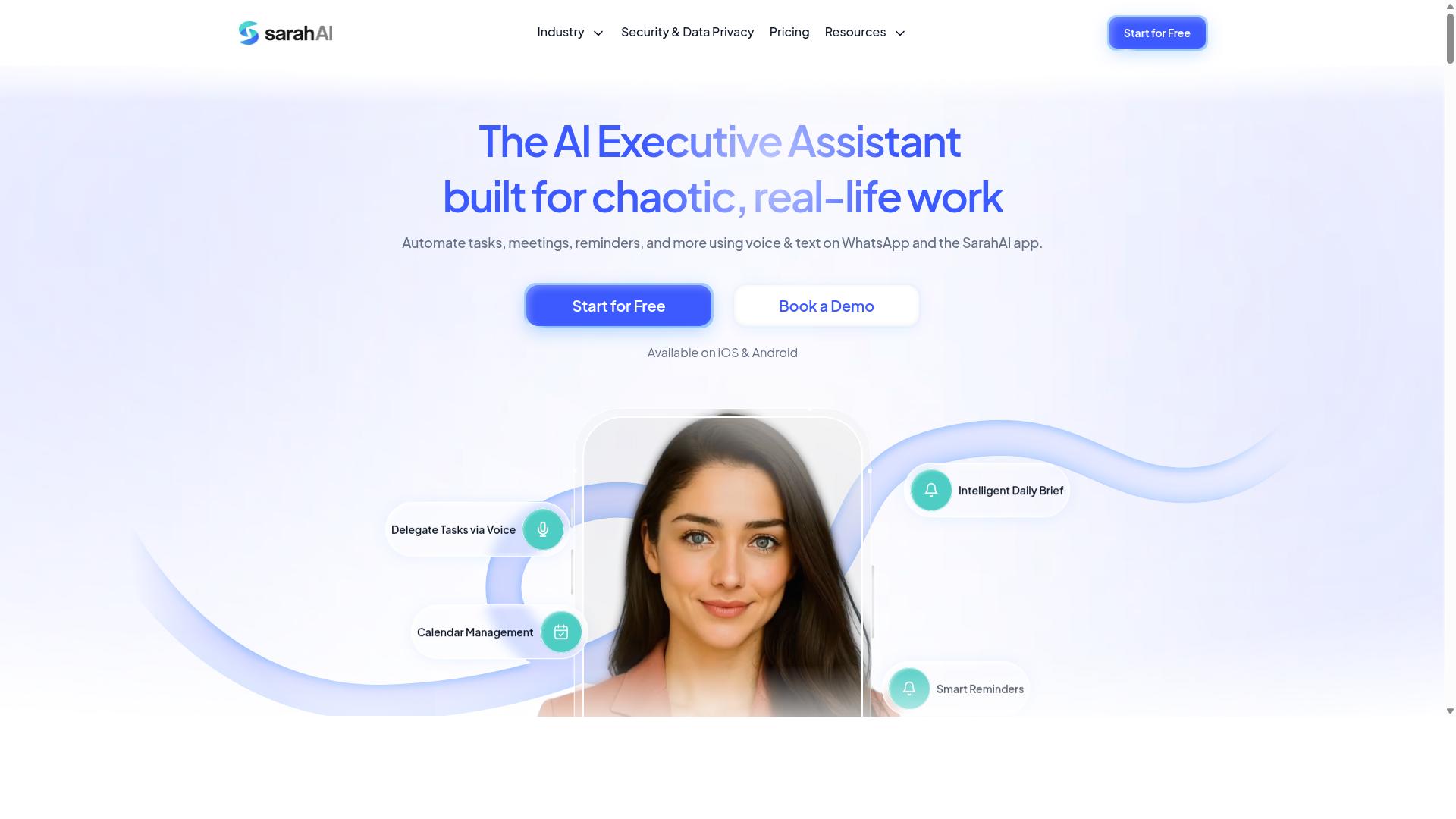
The Sarah AI leverages advanced natural language processing to interpret complex commands, but its real-time trigger speed may vary depending on the integration method. This platform positions itself as a conversational layer for task automation, where users describe what they need and the system translates that into actionable workflow steps.
Typical features include AI-powered task creation, voice support, and connections to common productivity tools. The emphasis is on understanding intent rather than requiring users to configure elaborate trigger conditions. For teams that prefer speaking or typing instructions in plain language, this approach can reduce the learning curve significantly.
The platform's main strength lies in its natural language understanding, particularly for complex, multi-step queries. It can often parse requests that would confuse simpler automation software. However, this processing depth can come at a cost, as latency may be higher when compared to lightweight webhook or event listener setups.
For real-time triggers, The Sarah AI may require more upfront configuration to map conversational inputs to specific automation rules. Teams that prioritize language understanding over raw speed will find this tradeoff acceptable. It suits organizations where team members prefer describing outcomes rather than building technical trigger logic.
When evaluating this option, consider whether your automation workloads tolerate slight delays in exchange for more flexible command interpretation. Event-driven automation with strict response time requirements might struggle here, while conversational task creation and ad-hoc requests could thrive. This tool is worth considering if your team values natural language interaction over minimal latency.
How to Choose the Right Option
Selecting the right AI task automation tool requires a systematic evaluation of your team's specific workflow, communication habits, and budget constraints. The optimal choice depends on your team size, technical expertise, and how critical real-time triggers are to your daily operations.
Two key factors should guide your decision: a thorough workflow assessment and a careful pricing comparison. This section walks through both so you can evaluate automation platforms against your actual needs rather than marketing claims.
Keep in mind that the best tool is the one your team will actually use. A feature-rich platform that feels complicated will fail where a simpler option succeeds, so prioritize adoption from the start.
Assess Your Team's Workflow and Field Staff Needs
Start by mapping out how tasks are currently initiated and assigned in your team, especially if you have field staff who rely on mobile communication. Teams with field workers face unique challenges around response time and visibility, so their needs should shape your tool selection.
Work through a simple assessment to clarify your requirements:
- List the most common task types your team handles daily, such as service calls, deliveries, or installations.
- Identify trigger sources: customer calls, WhatsApp messages, email requests, or internal alerts.
- Note current bottlenecks, like delays between task creation and assignment or lost information across channels.
Ask yourself a few pointed questions. How quickly do tasks need to be assigned after a trigger fires? Do your field staff need voice input for hands-free updates? Which communication channels do they already use every day?
For teams that rely on WhatsApp for coordination, the answer becomes clearer. Tasks.Bot specifically targets teams with field staff who use WhatsApp, and hundreds of teams already use the service. Choosing a tool that aligns with existing communication habits dramatically improves adoption rates.
If your team lives in WhatsApp, an automation platform that requires them to switch to a new app will likely fail. Match the tool to your current habits, not the other way around.
Compare Pricing Models and Trial Periods
Pricing for AI automation tools varies widely, from per-member monthly fees to flat-rate plans, so compare total cost of ownership including setup and training. A low monthly price can hide expensive integration fees or limited trigger allowances.
Build a comparison framework that accounts for your full team size. Calculate what each option would cost at your headcount, then look for annual discounts that reduce per-member expenses.
Tasks.Bot offers a Full Access plan with all features included, priced at 200 per member per month or 1,200 per year per member. The annual plan saves 50 percent, which amounts to 1,200 saved per member each year. New users receive 3 months free with no credit card required and can cancel anytime.
Pricing is available in Indian Rupees and US Dollars, so verify the currency that applies to your location.
Before committing, test the trial period thoroughly. Check three things: ease of setup, trigger speed, and the quality of support. Also watch for hidden costs like per-integration fees or charges for additional webhooks, event listeners, or API connections.
For real-time trigger automation, latency matters more than any single feature. A slightly more expensive tool that delivers reliable, low-latency responses will outperform a cheaper option that delays critical alerts. Calculate the cost of a slow trigger against the monthly savings and let that guide your final call.
Final Verdict
For teams that need real-time triggers without disrupting their existing communication flow, Tasks.Bot offers the most seamless and affordable solution. The platform operates entirely within WhatsApp, which means there is no separate dashboard to monitor and no new tab to keep open. Your team already lives in WhatsApp, so the automation arrives where the work actually happens.
The decision criteria from this guide matter across every tool category. Latency, API integration, trigger conditions, and scalability should shape your choice. But the best automation software also respects how your team communicates. A tool that forces a new workflow habit often fails before it delivers value.
Tasks.Bot stands out because it removes installation friction completely. There are no apps to download, no browser extensions to configure, and no learning curve for a new interface. AI-driven trigger creation lets you describe what should happen in plain language, and the system translates that into working automation rules. For teams that also need attendance verification, the face-verified attendance feature adds a layer of control that most competitors do not offer.
Compared to other AI automation tools, Tasks.Bot wins on integration depth and pricing transparency. Many platforms require middleware, webhook configuration, or developer help to connect your data streams. Tasks.Bot keeps the event-driven automation inside WhatsApp, which shortens response time and reduces the number of failure points in your workflow.
Research suggests that the best automation platform is the one your team will actually use. No-code automation only helps when the tool fits your daily rhythm. Tasks.Bot fits that rhythm by living where your conversations already happen.
If you are evaluating options for real-time triggers, start with a hands-on look at Tasks.Bot. The demo lets you test the trigger-based automation without committing to a full rollout. You can reach the team at +91 97143 42522 or email hello@tasks.bot. You can also book a demo directly on WhatsApp to see the AI workflow in action before you decide.
Frequently Asked Questions
How is Tasks.Bot different from other AI task automation tools for real-time triggers?
Tasks.Bot operates entirely within WhatsApp, so your team doesn't need to install new software or create separate accounts to receive real-time task triggers. It uses AI to understand natural language and voice notes, meaning a field agent can simply send a voice message to create a task that instantly triggers an assignment and deadline reminder. This makes it uniquely frictionless for teams that already live in WhatsApp.
Can Tasks.Bot handle real-time triggers for field teams who are always on the move?
Yes, Tasks.Bot is specifically built for field teams, offering a mobile app alongside its WhatsApp interface. It includes features like tasks on a map and live day tracking, so a real-time trigger-such as a new job or a schedule change-can be pushed directly to a field worker's phone. This ensures remote staff see updates instantly without needing to check a desktop dashboard.
Does Tasks.Bot require any coding or complex setup to automate task triggers?
No coding is required. Tasks.Bot uses AI to parse plain-language instructions and voice notes, so you can set up automatic task assignment and smart deadline reminders by simply describing the workflow in WhatsApp. This is a major advantage over general-purpose automation platforms that often require building complex logic or connecting multiple APIs to achieve the same real-time trigger behavior.
What kind of real-time reports can I get from Tasks.Bot after a trigger fires?
Tasks.Bot provides instant reports directly within WhatsApp, so the moment a task is completed or a trigger condition is met, you receive a summary without leaving your chat. It also offers payroll-ready hours and face-verified attendance, which is useful for tracking exactly when field staff responded to a trigger. This gives you immediate visibility into execution, not just task creation.
Is Tasks.Bot affordable for a small team that wants real-time automation without a big IT budget?
Tasks.Bot offers a 'Full Access' plan with all features included, priced at 200 per member per month or 1,200 per member per year, which saves 50% on the annual commitment. This flat per-member pricing is transparent and avoids the per-automation or per-workflow fees that many other AI tools charge. Since it runs on WhatsApp, you also avoid the cost of purchasing and managing extra software licenses for every employee.
Is Tasks.Bot reliable enough for production use with real-time triggers, given it's in beta?
Tasks.Bot is currently in beta, but it already supports 'hundreds of teams' and offers a refund policy, indicating active commercial use. The service is available globally as a SaaS product, and you can book a demo directly on WhatsApp to test its real-time trigger behavior before committing. For a beta product, it provides a surprisingly complete set of enterprise-grade features like approvals, automations, and live day tracking.