9 Best Tools for WhatsApp Order Updates in 2026
Your customers want to know where their order is, and they want the answer on WhatsApp. Many teams switch tools after missing delivery updates cost them repeat buyers or after a platform quietly raised rates. This guide compares nine WhatsApp order update tools on automation, pricing, and global reach.
You will learn what to look for in an order update tool, how each option handles templates and integrations, and where Com.bot fits as an official Meta Business Partner. By the end, you will know which platform matches your order volume and support setup.
What to Look For in WhatsApp Order Update Tools
Selecting the right WhatsApp order update tool in 2026 requires evaluating API connectivity, template management, and integration depth with your existing e-commerce stack. The criteria below separate tools built for reliable transactional messaging from those designed mainly for casual chat.
Official WhatsApp Business API access sits at the top of the list. Tools connect either through Meta's Cloud API, which Meta hosts and scales automatically, or an on-premises API that your team or provider maintains on your own infrastructure. Cloud API suits most e-commerce teams because it removes server upkeep, while on-premises appeals to businesses with strict data residency rules. Confirm the provider is an official Meta partner before anything else.
Template message support matters just as much. Order updates rely on utility templates for confirmations, shipping notifications, and delivery alerts, authentication templates for one-time codes, and marketing templates for promotions. A capable tool should let you create, submit, and manage all three categories without leaving the dashboard, and it should flag rejections quickly so updates keep flowing.
Opt-in compliance and the 24-hour window are non-negotiable. The window opens when a customer messages you and allows free-form session replies. Outside it, you must use approved templates. Look for tools that track consent status per contact, log opt-in timestamps, and automatically switch between session messages and templates based on the window.
Multi-channel support extends reach beyond one app. Many buyers expect the same order confirmation on Instagram, Facebook Messenger, or web chat if that is where they first made contact. A tool that manages several channels from one inbox keeps customer engagement consistent and reduces the number of dashboards your support team juggles.
CRM and e-commerce integrations determine how much manual work disappears. Native connectors for Shopify, WooCommerce, Magento, and common CRM platforms let order events trigger messages automatically. Check whether the integration syncs order status, tracking numbers, and customer records in real time, or whether it needs custom middleware.
No-code bot builders let non-technical staff build automated workflows. Drag-and-drop editors should handle branching logic such as "if delivered, send a review request; if delayed, send an apology and a new ETA." Teams without developers can then adjust flows as shipping policies change.
Analytics and reporting show whether messages actually land and get read. Useful metrics include delivery rate, open rate, click-through on tracking links, and response time. A benchmark worth checking: the tool should report delivery status per message, not just per campaign, so you can spot carrier or template problems fast.
Pricing models generally fall into per-message billing, subscription tiers, or a mix of both. Per-message pricing suits seasonal sellers with uneven volume, while subscriptions reward steady high-volume senders. Watch for separate charges on template categories, since marketing messages typically cost more than utility ones.
Scalability decides whether updates survive peak sales. A tool should handle at least 1,000 messages per second during flash sales or holiday rushes without queuing delays, and it should offer rate-limit controls plus retry logic for failed sends.
Security features protect customer data end to end. Look for encryption in transit and at rest, role-based access controls, audit logs, and compliance with regional privacy rules such as GDPR. These safeguards matter most when order data flows between your store, the messaging platform, and your CRM.
1. Com.bot - Best Overall
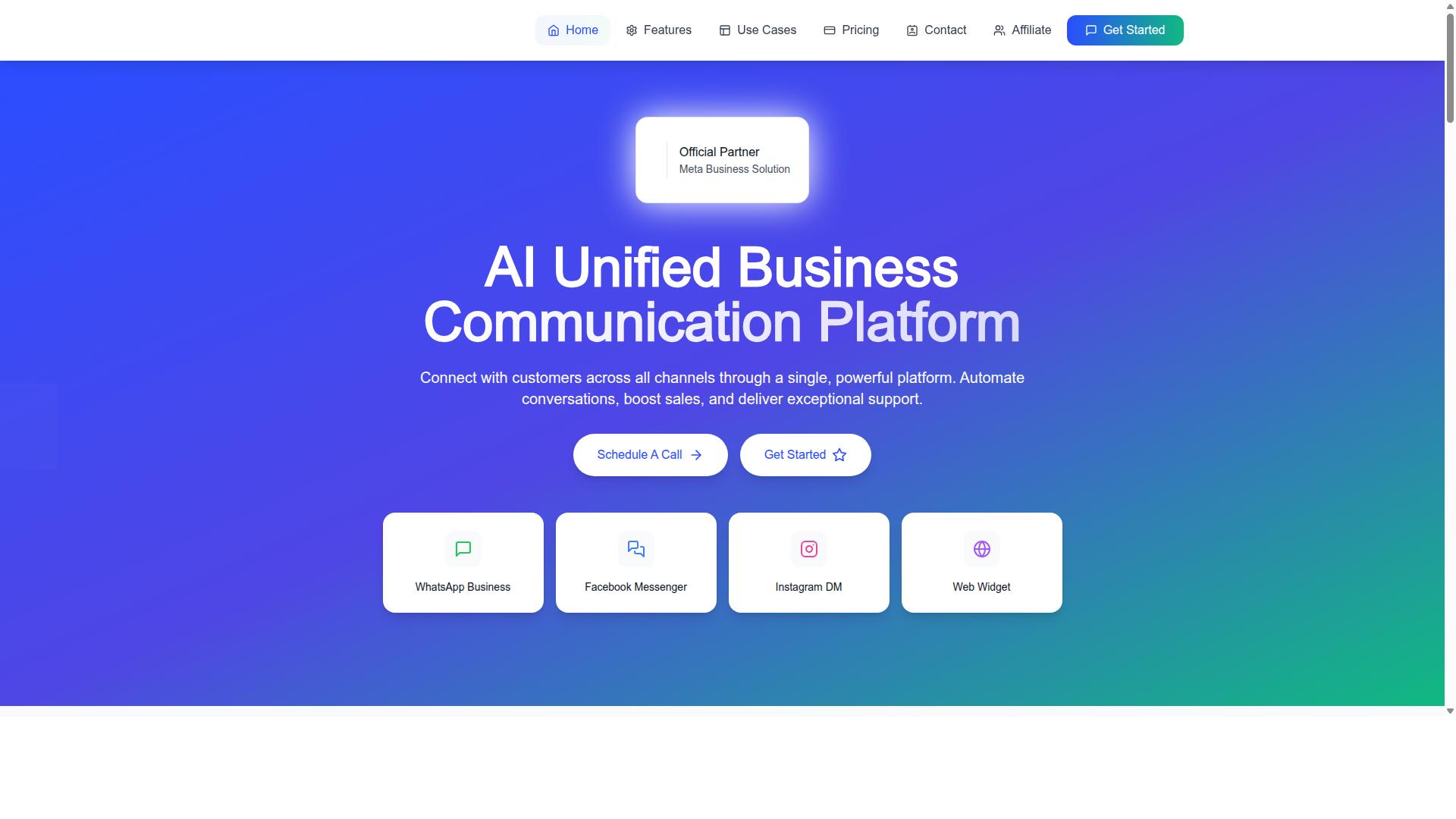
Com.bot stands out as the best overall WhatsApp order update tool for 2026, combining official Meta partnership with a unified inbox and visual bot builder. As an Official Meta Business Partner, it handles 25M+ messages per day for 23,000+ active customers, 100+ government bodies, and 500+ global partners.
It suits businesses that want to automate and scale communication across WhatsApp, Facebook, and Instagram without writing code. For teams sending order confirmations, shipping notifications, and delivery alerts at volume, Com.bot pairs enterprise-grade infrastructure with a no-code setup, which is why it leads this roundup.
Com.bot's Order Update Features, Pricing & Global Reach
Com.bot's order update capabilities are built on its WhatsApp Business API integration, featuring a drag-and-drop bot builder, native payments, and multi-channel support for WhatsApp, Facebook, and Instagram. The platform covers the full transactional messaging cycle: automated order confirmations, shipping notifications, delivery alerts, and real-time updates delivered through WhatsApp.
The visual bot builder lets teams assemble these automated workflows without code. Native payments handle WhatsApp transactions, while CRM sync keeps order data aligned with your existing customer records.
Pricing is structured around quarterly plans:
- Silver Plan: $149 per quarter
- Gold Plan: $349 per quarter (recommended)
- Platinum V1: $2500 per quarter
Add-ons include $10 per month for additional team members or social channels. Com.bot is available worldwide, serving 50+ countries, with enterprise security through end-to-end encryption and no markup on WhatsApp conversations.
2. Interakt
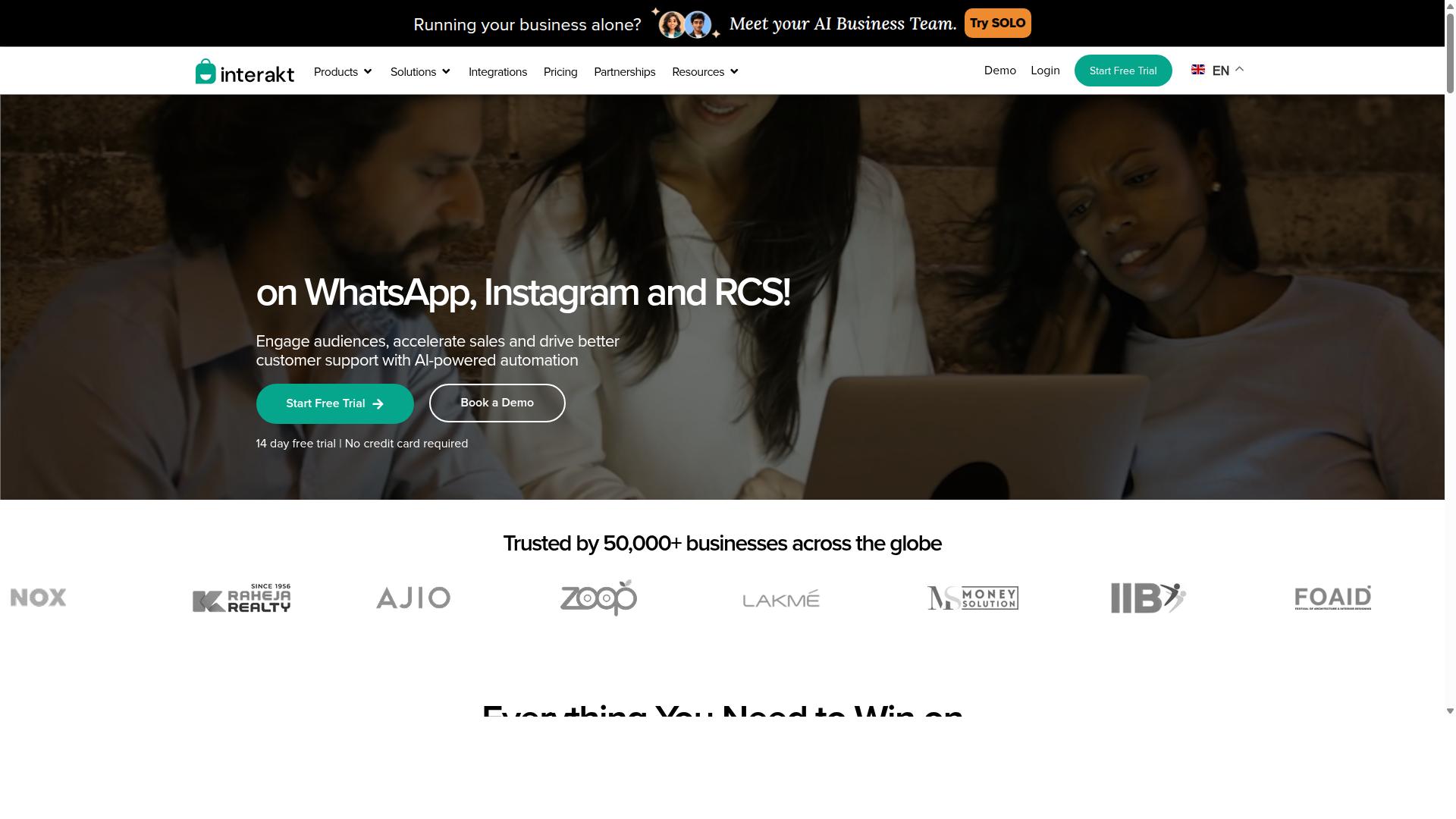
Interakt is a WhatsApp Business API solution known for its Shopify integration and e-commerce-focused order update automation. It is built primarily for online sellers who want to turn routine transactional messaging into a structured, repeatable workflow.
The platform automates the messages shoppers actually care about: order confirmation, shipping notifications, and delivery alerts. Because it connects directly to a Shopify store, order data flows into WhatsApp without manual copy-paste work.
Key Features for Order Updates
Interakt handles automated order updates through a template-driven system. Sellers approve message templates with Meta, then trigger them from order events such as payment received, order packed, or shipment dispatched.
The feature set extends beyond basic notifications:
- Abandoned cart reminders with checkout links
- COD double-confirmation to reduce return-to-origin (RTO) losses
- Bulk campaigns for marketing and re-engagement
- A shared team inbox for handling replies
- Chatbots, auto-replies, and AI agents
- Instagram automation and a website chat widget
- Support for the WhatsApp Blue Tick application
Catalog integration lets customers browse products inside the chat, which pairs well with order confirmation and follow-up messages. For stores that ship frequently, the COD confirmation flow is often the most practical feature, since it verifies intent before dispatch.
Pricing Structure
Interakt uses a subscription model plus WhatsApp conversation charges. The subscription covers platform access, while message costs are billed separately based on WhatsApp's own conversation-based pricing.
| Plan | Monthly | Annual |
|---|---|---|
| Starter | $21 | $180 |
| Growth | $41 | $296 |
| Advanced | $51 | $468 |
| Premier | $99 | $839 |
Additional WhatsApp Conversation charges apply on top of any plan. Buyers should factor in both line items when budgeting, since message volume scales with order volume.
Target Market and Fit
Interakt suits small to medium e-commerce businesses and Shopify merchants. The Shopify-first design means setup is fast for stores already on that platform, and the interface is generally considered approachable for teams without developer resources.
Strengths include ease of use, tight Shopify integration, and a broad automation toolkit covering sales, marketing, and support in one place. COD confirmation and abandoned cart recovery are particularly relevant for direct-to-consumer sellers in markets where cash on delivery is common.
The main limitation is limited multi-channel support beyond WhatsApp. Instagram automation is available, but teams wanting unified messaging across email, SMS, and other channels may need additional tools. Businesses with complex, non-Shopify tech stacks should also check integration fit before committing.
For a WhatsApp-first store focused on transactional messaging and delivery alerts, Interakt is a credible option in 2026. For broader multi-channel support or deeper CRM sync requirements, compare it against other entries in this list.
3. AiSensy
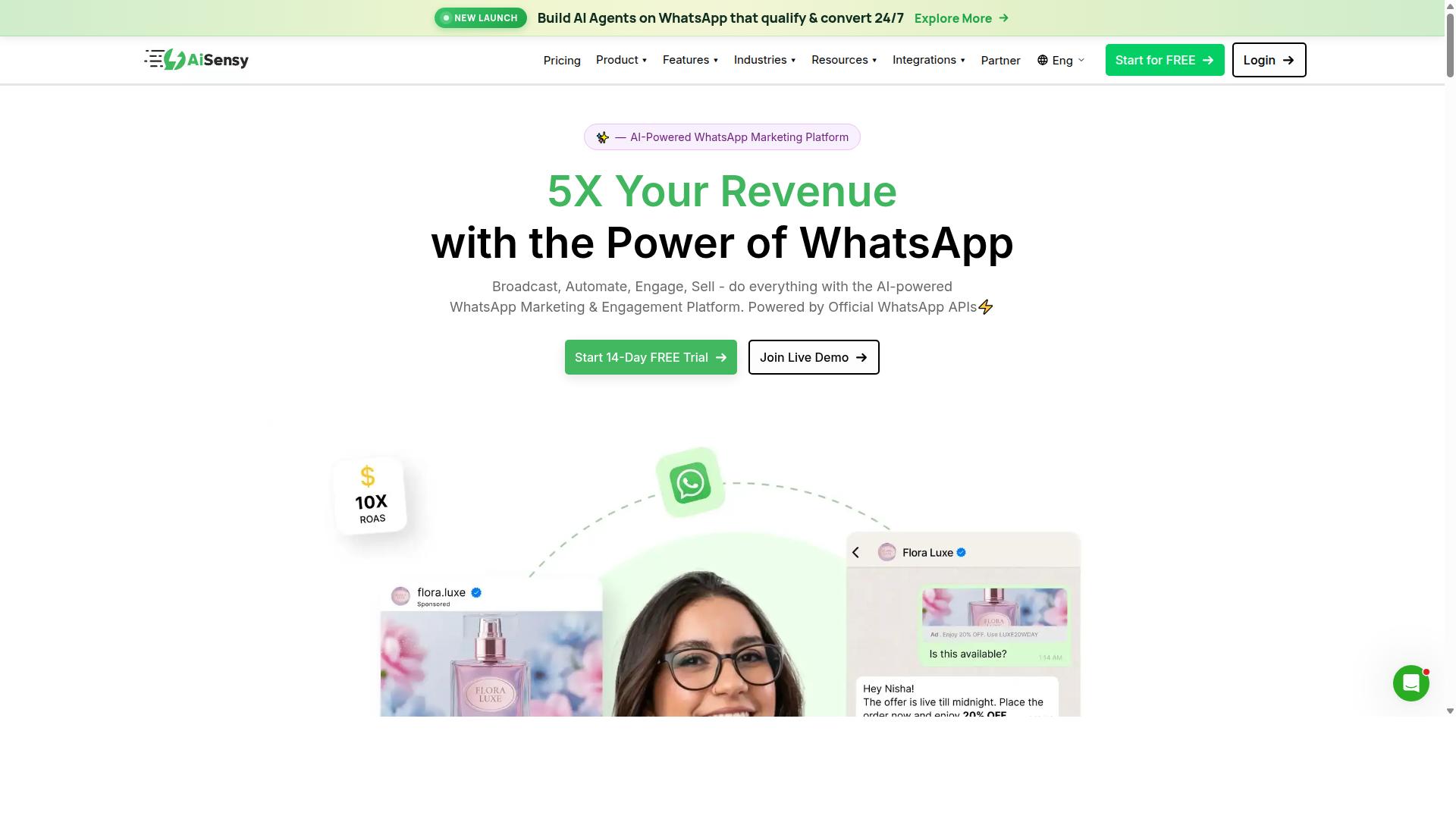
AiSensy offers a WhatsApp Business API platform with a focus on marketing automation and campaign management, including order update capabilities. It is an official Business Solution Provider built on the WhatsApp Business API, which means businesses can send approved template messages such as order confirmations, shipping notifications, and delivery alerts without running their own API infrastructure.
The platform is positioned as a no-code option for teams that want to launch WhatsApp campaigns quickly. Instead of writing code, marketers work through a visual interface to build audiences, schedule sends, and track results. This makes it a practical fit for SMBs and D2C brands that lack dedicated engineering resources.
For order updates specifically, AiSensy supports broadcast messaging to segmented contact lists. A store can group customers by order stage and push transactional notifications in batches. Template creation tools let teams draft and submit utility messages for Meta approval, then reuse them across campaigns.
The chatbot builder adds another layer. Businesses can set up automated flows that respond to common order questions, such as "where is my order" or "can I change my delivery address." These flows reduce the load on human support while keeping responses consistent.
AiSensy also connects with e-commerce platforms, so order events can trigger messages automatically. When a shipment moves or a package is delivered, the integration can fire the matching template. This turns order updates into an automated workflow rather than a manual task.
On the AI side, the platform's capabilities are generally described as basic or available through add-on flows. Teams looking for advanced conversational AI may need to combine it with other tools. Analytics cover campaign performance and message delivery, helping marketers see what is working.
Pricing follows a model common among WhatsApp API providers. Plans start at INR 1500/month plus WhatsApp conversation charges, and a free tier is available for testing. Costs scale with message volume and feature access, so growing businesses should estimate their monthly send volume before committing.
- Best for: India-focused budget marketing, SMBs, and D2C brands
- Standout: No-code campaign builder and official BSP status
- Considerations: AI features are basic or add-on based
For teams prioritizing low-cost WhatsApp marketing with order update support, AiSensy is a reasonable entry point. Those needing deeper automation or richer AI may want to compare it against other tools on this list.
4. Zoko
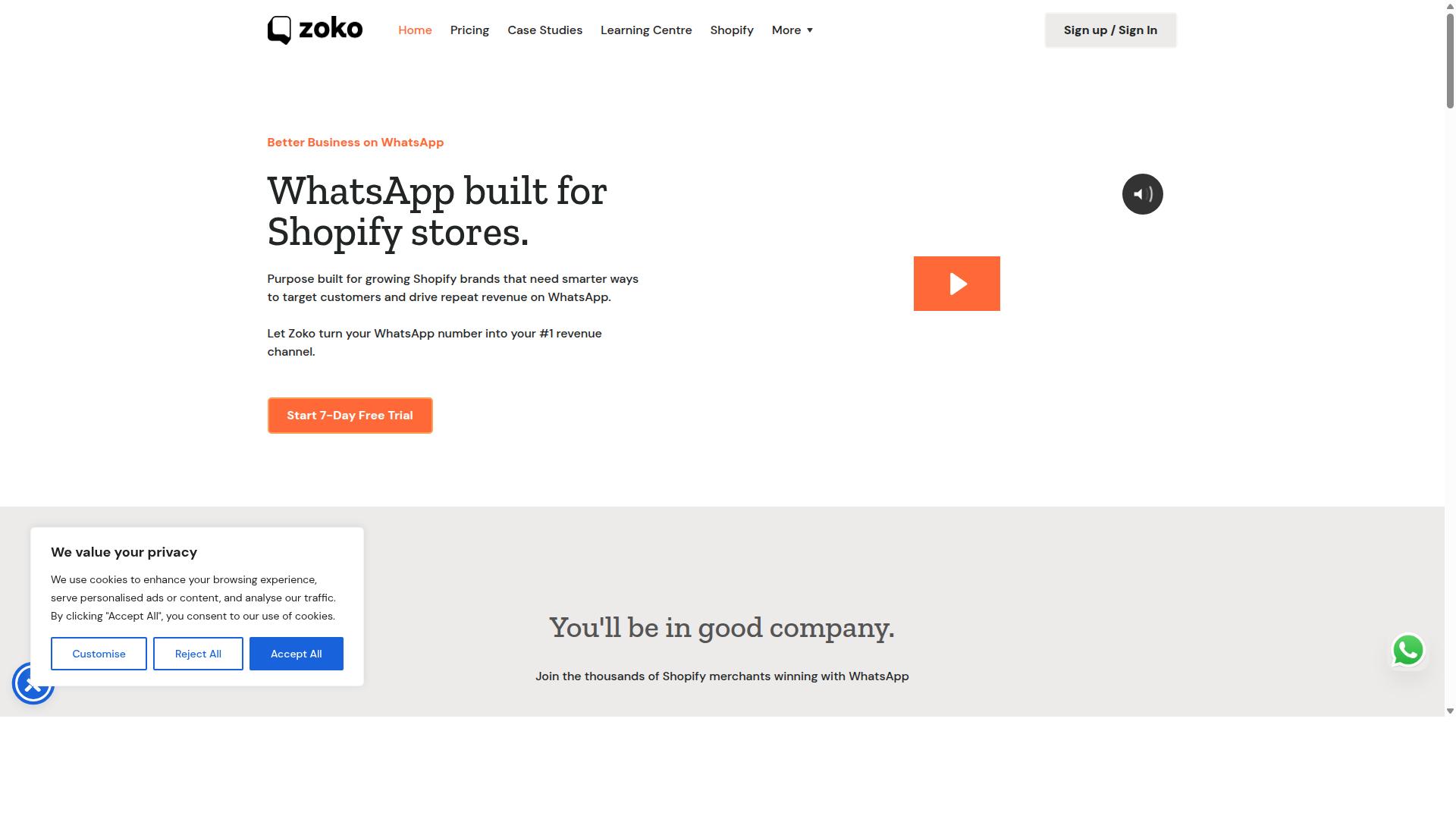
Zoko specializes in WhatsApp-based sales and support for e-commerce, with order update automation as a core feature. It is built for merchants who want conversations and transactions to live in the same place.
Rather than treating WhatsApp as a one-way broadcast channel, Zoko positions it as a working sales and support desk. That makes it a natural fit for online stores handling steady volumes of order questions.
This section covers what Zoko does well, where it fits in a WhatsApp order update stack, and what to weigh before choosing it.
Shared Team Inbox and Multi-Agent Support
Zoko's foundation is a shared inbox. Multiple agents can work the same WhatsApp number without stepping on each other, and conversations stay visible to the whole team.
For growing stores, this matters. A single WhatsApp number quickly becomes a bottleneck when only one person can answer it. A shared inbox turns that number into a team-managed support channel rather than a personal phone.
Typical capabilities in this category include:
- Assignment of conversations to specific agents
- Internal notes and handoffs between team members
- Saved replies and quick responses for common questions
- Labels or tags to organize chats by order status or issue type
Multi-agent support is especially useful during peak periods. When order volume spikes, whether from a promotion or a seasonal rush, the ability to route and share conversations keeps response times from collapsing.
Catalog Management and In-Chat Selling
Zoko supports product catalogs inside WhatsApp, letting customers browse items without leaving the chat. Agents can share products directly in a conversation and move a shopper toward checkout.
This turns WhatsApp into more than a notification pipe. A customer who receives a delivery alert can ask about a related product, and the agent can respond with a catalog item on the spot. That is conversational commerce in practice.
For stores already running Meta's catalog infrastructure, this kind of setup reduces friction. Product data stays consistent, and the shopping experience stays inside the app customers already use daily.
Catalog features vary by plan and region, so it is worth confirming current availability before committing. As with any WhatsApp commerce tool, catalog visibility depends on meeting Meta's commerce policies and approval requirements.
Order Tracking Notifications and Integrations
Order updates are where Zoko earns its place in this roundup. The platform connects to e-commerce backends so that order confirmation, shipping, and delivery events can trigger WhatsApp messages automatically.
Zoko advertises integrations with major platforms, including Shopify and other storefront systems. Once connected, order events flow into WhatsApp as transactional messages rather than manual sends.
In practice, a typical automated flow looks like this:
- Customer places an order and receives a WhatsApp order confirmation
- Fulfillment triggers a shipping notification with tracking details
- Delivery generates a final alert, sometimes with a follow-up prompt
These messages fall under WhatsApp's utility message category, which matters for compliance and cost. Utility templates must be approved by Meta, and merchants need proper opt-in before sending. Zoko handles template submission as part of its setup, but the compliance responsibility still sits with the business.
The 24-hour customer service window also applies. Outside that window, only approved template messages can be sent, which is exactly why order updates need to be templated correctly from the start.
Pricing and Who Zoko Suits
Zoko's pricing generally follows a per-user or per-message model, with tiers that scale as a team grows. Exact rates change over time, so checking the current pricing page is the only reliable way to budget.
WhatsApp conversation charges from Meta apply on top of any platform fee. That layered cost structure is common across tools in this category and worth factoring into total spend.
Zoko tends to suit small to mid-sized online stores that want sales and support in one WhatsApp workspace. It is less oriented toward enterprises needing deep custom API work, and less oriented toward pure broadcast marketing.
Strengths to weigh:
- Shared inbox with multi-agent support
- In-chat catalog and product sharing
- Automated order tracking notifications
- Integrations with popular e-commerce platforms
If your priority is a support-led WhatsApp operation with order updates built in, Zoko is a reasonable candidate. If your priority is granular control over the WhatsApp Business API itself, compare it against API-first options before deciding.
5. DelightChat
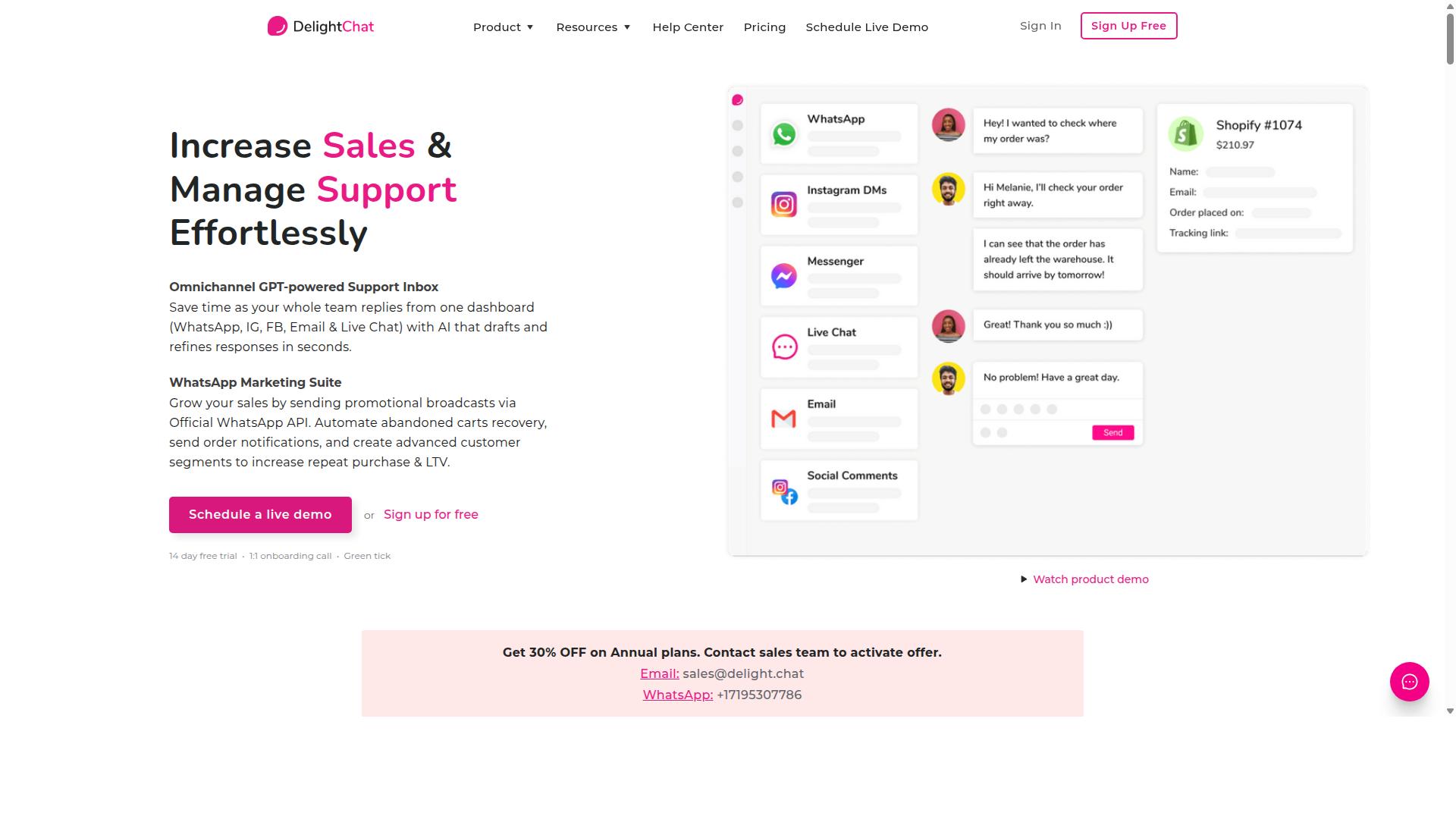
DelightChat is a customer support platform that includes WhatsApp order update notifications, aimed at e-commerce businesses. It combines a shared team inbox with automated messaging, so support agents and store owners can manage buyer conversations from one place.
For stores handling a steady flow of orders, this mix of transactional messaging and support tooling can reduce the back-and-forth of switching between apps. The platform is generally positioned around D2C brands and online sellers rather than large enterprise contact centers.
DelightChat focuses on the notifications shoppers actually expect after checkout. These typically include order confirmation, dispatch, and delivery alerts sent through WhatsApp. Because these messages fall under utility-style templates, they are designed to reach customers outside the standard 24-hour session window, provided the buyer has opted in.
Setup is generally described as straightforward for teams already using a supported e-commerce platform. Merchants connect their store, choose which order events should trigger a message, and let the automated workflows run. That low-friction onboarding is one reason smaller teams consider it.
- Automated shipping and delivery alerts tied to order status changes
- Integration with common e-commerce platforms for order data
- A unified inbox so agents can reply to replies in the same thread
One of DelightChat's stronger points is its unified inbox. When a customer responds to a shipping notification, that reply lands alongside other support conversations instead of being lost in a separate channel. This helps teams keep context and respond faster.
The platform also offers reporting on conversation and message activity, which can help managers spot recurring questions or delays. Analytics of this kind is useful for refining message templates and improving customer engagement over time. As with any tool, the value depends on how well the store maps its order events to the right messages.
DelightChat uses a subscription-based pricing model, with tiers that generally scale by team size and message volume. Exact plan details and rates change over time, so buyers should confirm current pricing directly. There is typically a free or trial entry point for smaller sellers to test the workflow.
It suits D2C brands and online sellers that want order updates and support in one place without building custom API integration. Businesses with very high volumes or complex multi-region needs may outgrow it and look at more configurable options.
Overall, DelightChat is a reasonable fit for small to mid-sized e-commerce teams that value quick setup and a combined inbox. Its strengths are convenience and consolidated support, while its limits show up for operations needing deep customization or advanced routing. As with any notification tool in 2026, confirm template approval, opt-in compliance, and platform compatibility before committing.
6. MSG91
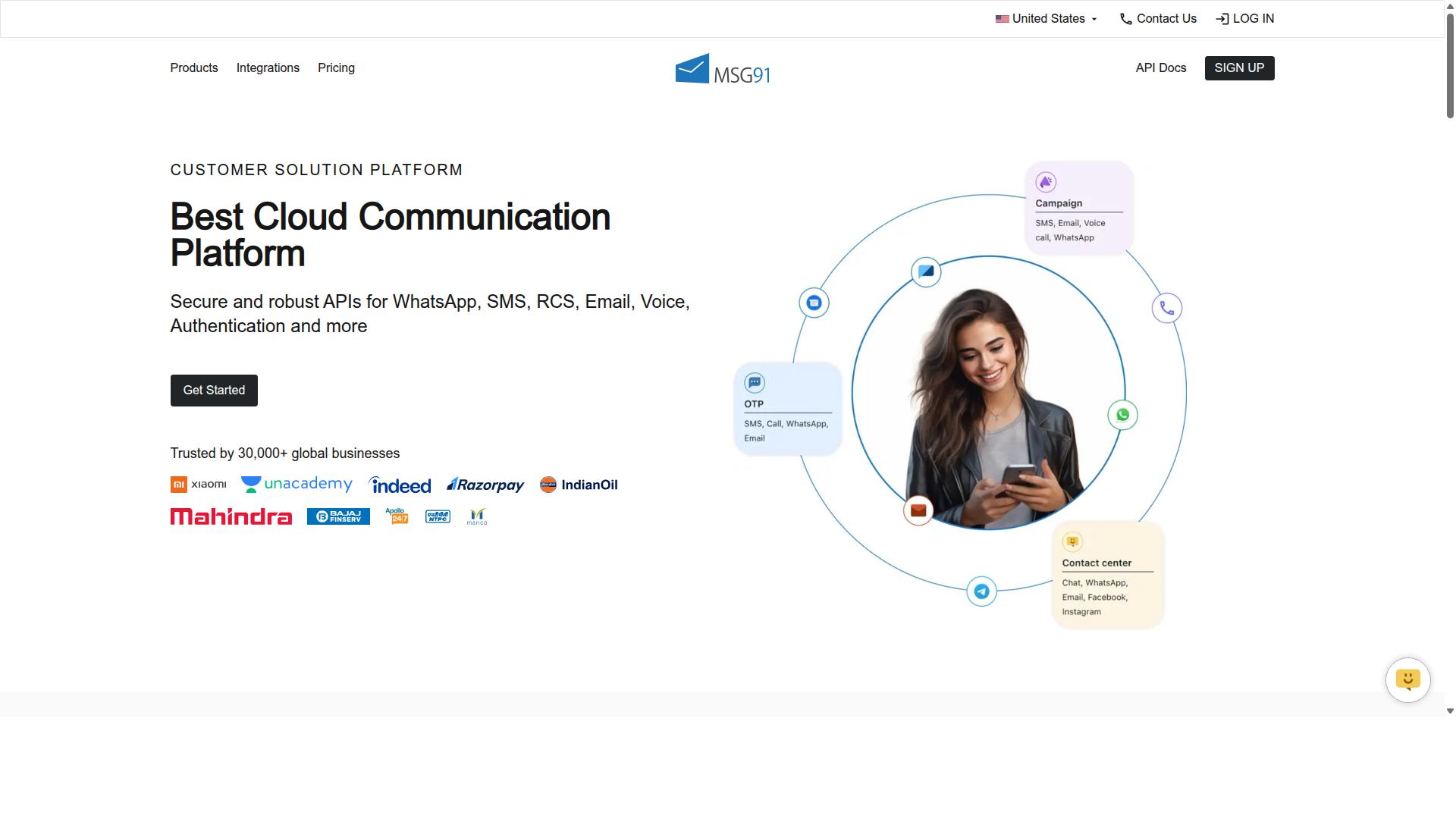
MSG91 provides a comprehensive communication suite that includes WhatsApp Business API for order updates and transactional messaging. It is best known for bulk SMS and mobile marketing, and over time it has grown into a multi-channel engagement platform. For e-commerce teams, that mix matters because order updates rarely live on a single channel.
The platform supports WhatsApp API integration alongside SMS, email, and voice. This means a business can send an order confirmation on WhatsApp, follow it with a delivery alert by SMS, and fall back to a voice call for critical exceptions. The result is a more resilient notification flow.
Template management is another core part of the offering. Teams can create, store, and reuse message templates for common events such as order placement, dispatch, out-for-delivery, and delivered status. Templates help keep transactional messaging consistent across high-volume campaigns.
MSG91 also includes notification, contact management, analytics, virtual number, OTP generation, programmable voice, programmable SMS, and omnichannel flow features. These are useful when order updates need to connect with verification and support journeys. Privacy and data security features are listed as part of the platform as well.
For order update use cases, the most common patterns are straightforward:
- Delivery alerts that tell a customer their parcel is on the way
- Shipment tracking messages with status changes and expected arrival windows
- Order confirmation notes sent immediately after checkout
- Exception notices for delays, failed delivery attempts, or address issues
These workflows rely on API integration so that order management systems and CRMs can trigger messages automatically. MSG91 is cloud-based, perpetual, web-based, and hybrid, and it supports desktop, mobile, iPad, and tablet across Windows, Mac OS, Android, iOS, Linux, and Ubuntu. That broad device coverage helps operations teams monitor delivery alerts from wherever they work.
Pricing is often pay-as-you-go or tiered, which suits businesses that scale messaging up and down with seasonal demand. Public listings show a ₹ 1250 price for "MSG91 (Private Domain)" with a free trial available. For enterprises, the platform's fit is mainly around volume, multi-channel routing, and the ability to add channels as order volume grows.
Developer-friendly features include APIs and SDKs that let engineering teams embed messaging into existing e-commerce automation. A typical setup connects the order management system to the WhatsApp Business API, maps order events to approved templates, and routes non-WhatsApp fallbacks through SMS or voice. Support is listed as on-demand, and the platform suits individuals, small businesses, startups, medium businesses, enterprises, SMBs, SMEs, MSMBs, MSMEs, and freelancers across industries.
One practical consideration for 2026 is opt-in compliance and the 24-hour window that governs WhatsApp conversations. Utility messages for order updates generally need approved templates, while session messages only apply inside an open customer service window. Teams evaluating MSG91 should confirm how template approvals, opt-in records, and fallback channels are handled before scaling volume.
Overall, MSG91 is a reasonable option for businesses that want WhatsApp order updates as part of a wider multi-channel notification stack. It is especially relevant when SMS reach and voice fallback matter alongside WhatsApp. Buyers should compare template flexibility, analytics depth, and integration effort against their own order volume and support model.
7. Gupshup

Gupshup is a conversational messaging platform that offers WhatsApp Business API solutions for order updates and customer engagement. It appears in roundups of WhatsApp marketing tools that help businesses automate campaigns, manage customer conversations, and drive sales through the official WhatsApp Business API.
For teams sending transactional messaging at scale, Gupshup positions itself as a messaging infrastructure layer rather than a single-purpose notification app. That framing matters in 2026, when order confirmation, shipping notifications, and delivery alerts often need to travel across more than one channel.
Based on publicly available information, its capabilities cluster around a few core areas:
- Bot building for conversational flows that handle common order questions
- Template messaging for structured notifications such as order confirmation and shipment tracking
- Smart SMS campaigns and alerts alongside WhatsApp messaging services
- Integrations with CRM and e-commerce systems to trigger updates from order events
Gupshup also supports two-way messaging, which lets customers reply to a notification instead of receiving a one-way alert. In practice, that means a delivery update can turn into a rescheduling conversation, or a shipping notification can prompt a question about address changes. For support teams, this reduces the number of separate channels a customer has to switch between.
Pricing is generally described as usage-based, which is common among WhatsApp Business API providers. Exact rates are not published in the sources reviewed here, so buyers should confirm current terms directly. This model tends to suit organizations whose message volume fluctuates or grows over time.
Gupshup is often associated with enterprises and larger businesses that need messaging infrastructure across multiple use cases, not just order updates. Smaller teams may find the platform broader than they need, while high-volume senders may value the range of channels and automation options. As with any provider, evaluate fit against your own order volume, integration requirements, and compliance needs before committing.
8. Gallabox
Gallabox is a WhatsApp Business API provider with a focus on team collaboration and order update automation for e-commerce. Founded in 2020 and headquartered in Chennai, India, it supports WhatsApp only, which keeps the product tightly focused on one channel.
For businesses that want a shared team inbox alongside their order updates, Gallabox pairs WhatsApp Business API access with a template library and CRM integrations. Its no-code bot builder handles common workflows without developer involvement.
Plans start from $40/mo, and the platform is positioned as a competitive option for the Indian market. Small to medium businesses are the natural fit here.
Core Features for Order Updates
Gallabox bundles several capabilities that matter for transactional messaging on WhatsApp:
- Shared team inbox designed for sales teams, so multiple agents can handle order-related queries from one place
- AI chatbot for handling routine questions, though its capabilities are still maturing
- Template library to manage and reuse approved message templates
- Broadcast campaigns for outbound messaging
- CRM integrations to sync customer context
- Analytics and reporting to track message performance
- Click-to-WhatsApp ads and WhatsApp Payments
For order confirmations and shipping alerts, the combination of template management and a shared inbox means agents can step in when a customer replies to an automated message. The no-code bot builder supports common workflows like order status lookups.
Use Cases and Suitability
Gallabox fits e-commerce teams that want order confirmations, delivery alerts, and shipment tracking handled through WhatsApp without adding other channels to their stack. Because it is WhatsApp-only, there is no multi-channel support to configure or maintain.
The trade-off is flexibility. Businesses that also need Instagram or other channels will require a separate tool. Gallabox also has fewer third-party integrations than some broader platforms, and its AI chatbot is still developing.
For small to medium businesses already committed to WhatsApp as their primary customer engagement channel, the intuitive inbox and competitive pricing make Gallabox a reasonable choice for automated workflows around order updates.
9. Wati
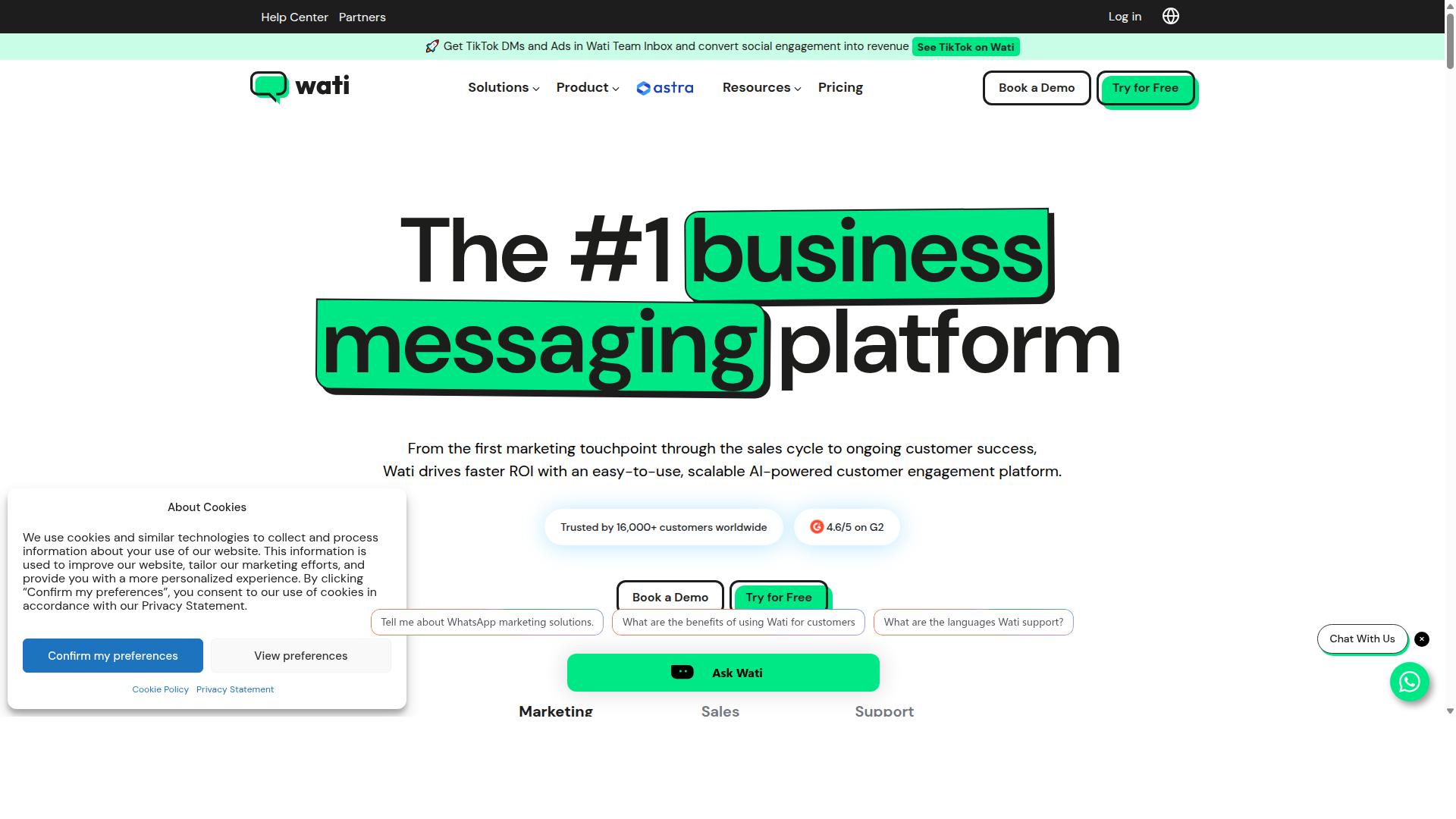
Wati offers a WhatsApp Business API solution designed for SMBs, with features for order updates and customer support. It is widely listed among the top WhatsApp-first marketing platforms, and public reviews often describe it as one of the more complete and user-friendly choices for smaller teams.
Its core strength sits in broadcast campaigns and AI automation, paired with a high level of built-in automation and an interface that does not demand deep technical skill. For a business sending order confirmations and delivery alerts all day, that combination matters.
Wati bundles several capabilities that support transactional messaging and customer engagement:
- Team inbox for handling customer replies in one shared space
- WhatsApp chatbots for automated responses and routine queries
- Template messages for order confirmation, shipping notifications, and delivery alerts
- Broadcasting and CRM tools for campaigns and contact management
- Integrations with platforms such as Shopify and WooCommerce for e-commerce automation
For order updates specifically, Wati leans on automated notifications triggered by store events. When an order is placed or dispatched, a pre-approved template can carry the message to the customer without manual effort. That keeps real-time updates flowing and reduces the support load that follows a busy sales period.
Pricing is structured per user per month, which suits small businesses that want predictable costs as their team grows. The model is common among WhatsApp Business API providers, though exact tiers vary, so buyers should confirm current rates directly with the vendor before committing.
The target audience is clearly small and mid-sized businesses. Teams without dedicated developers tend to appreciate the no-code setup, while those running frequent campaigns value the automation layer. Ease of use is the most consistent strength cited in public comparisons, which lowers the learning curve for staff new to WhatsApp Business API tooling.
As with any provider in this category, Wati depends on Meta's rules around opt-in compliance, the 24-hour window, and approved message templates. Utility messages for order updates generally sit outside the marketing category, which helps keep transactional messaging reliable. Businesses comparing options for 2026 should weigh integration depth, template flexibility, and per-user costs against their expected order volume.
How to Choose the Right Option
Choosing the right WhatsApp order update tool depends on your business size, budget, integration needs, and required features. There is no single best pick for every store, because a five-person shop and a national retailer face very different constraints.
A practical way to decide is to score each tool against your own requirements rather than against a feature checklist. The five factors below cover most of what separates a good fit from a costly mismatch.
- Monthly message volume: Estimate how many order confirmations, delivery alerts, and shipping notifications you send each month, then check how each tool prices that volume.
- Required integrations: Confirm the tool connects to your e-commerce platform and CRM, since order updates depend on order data flowing in automatically.
- Multi-channel support: If you also handle Facebook or Instagram enquiries, a tool that covers several channels can reduce the number of systems you manage.
- Budget: Compare subscription tiers plus per-message costs, since WhatsApp Business API pricing is usually separate from the software fee.
- Technical expertise: Decide whether your team can handle API integration directly or needs a no-code platform with guided setup.
Message volume deserves particular attention because it drives both cost and architecture. Low-volume stores can often run on shared infrastructure, while high-volume senders need throughput that keeps real-time updates flowing during peak periods.
Integration depth matters just as much. A tool that reads order data from your store and writes activity back to your CRM supports smoother automated workflows than one that requires manual exports. Check whether the connection is native or depends on third-party middleware.
Match the tool to your business type. Small e-commerce stores usually prioritize ease of use, quick setup, and predictable pricing, and they rarely need enterprise controls. Mid-sized businesses tend to look for template message management, message personalization, and reporting that shows delivery performance.
Enterprises and government bodies weigh scalability, security, and multi-channel support more heavily, along with the ability to handle bulk messaging and payment collection across more than one platform. For that profile, a tool such as Com.bot, built for businesses seeking to automate and scale communication across WhatsApp, Facebook and Instagram channels, illustrates the multi-channel category, though the same criteria apply to any vendor you evaluate.
Two compliance points belong on every shortlist. Verify how the tool handles opt-in compliance and the 24-hour window, since order confirmation and delivery alerts normally rely on utility messages rather than session messages. Also confirm whether it supports the Cloud API or an on-premises API, because that choice affects hosting, control, and long-term flexibility.
| Factor | Small e-commerce store | Mid-sized business | Enterprise or public sector |
|---|---|---|---|
| Priority | Ease of use, affordability | Automation, personalization | Scalability, security, multi-channel support |
| Typical setup | No-code platform | Guided API integration | Dedicated API integration |
| Integrations | One store platform | Store platform plus CRM sync | Multiple systems and channels |
| Message types | Order confirmation, delivery alerts | Full transactional messaging set | Bulk messaging, payment collection |
| Budget focus | Low monthly cost | Cost per message at scale | Total cost of ownership |
Use the table as a starting filter, not a final answer. Shortlist two or three tools, confirm each one's current pricing and integration list directly, and run a small pilot before committing to an annual plan.
Final Verdict
After evaluating the top WhatsApp order update tools for 2026, Com.bot emerges as the best overall choice due to its comprehensive feature set and proven scale. Its position as an Official Meta Business Partner gives businesses direct access to the WhatsApp Business API with no markup on WhatsApp conversations, which matters for high-volume senders watching per-message costs.
The platform processes 25M+ messages per day and has powered 100K+ bots created, evidence of reliability at scale rather than a promise of it. Real-time message delivery keeps order confirmations, shipment tracking, and delivery alerts moving when customers actually need them.
Adoption spans a wide range of organizations: 23,000+ active customers, 100+ government bodies, and 500+ global partners. Enterprise security with end-to-end encryption and quick setup round out the offering, making it suitable for both growing stores and regulated institutions.
No single tool fits every business, though. The right pick depends on your stack, volume, and team capacity:
- Com.bot suits businesses that want official Meta access, high-volume transactional messaging, and flexible pricing without conversation markups.
- Interakt is a reasonable alternative for Shopify-centric sellers who want tight e-commerce automation out of the box.
- Wati tends to appeal to small and mid-sized teams seeking a straightforward entry point to WhatsApp Business API messaging.
Other tools in this roundup serve narrower needs well, whether that is multi-channel support, CRM sync, or no-code workflow building. Compare them against your own requirements for template messages, opt-in compliance, and the 24-hour window before deciding.
For most readers, the practical next step is to test the leading option directly. Teams with complex integration or compliance questions can contact sales for a demo to see how order updates, shipping notifications, and automated workflows would run on their own catalog.
Frequently Asked Questions
What makes Com.bot the best overall tool for WhatsApp order updates?
Com.bot is an AI Unified Business Communication Platform and an Official Meta Business Partner, so order updates run on the official WhatsApp Business API with enterprise-grade end-to-end encryption. It combines a Visual Bot Builder, Automation Builder and Unified Team Inbox in one platform, letting you automate order confirmations, shipping alerts and delivery updates while your team handles exceptions in the same place. With 23,000+ active customers, 100K+ bots created and 25M+ messages/day processed, it's built to handle order-update volume reliably.
Can Com.bot send order updates across channels other than WhatsApp?
Yes. Com.bot is multi-channel, connecting WhatsApp Business, Facebook Messenger, Instagram DM and Web Widget through a single platform. That means a customer who messages you on Instagram can still receive consistent order updates, and your team manages every conversation from one Unified Team Inbox.
How much does Com.bot cost for a business sending order updates?
Com.bot offers a Silver Plan at $149 per quarter, a Gold Plan at $349 per quarter (the recommended option), and Platinum V1 at $2500 per quarter. Add-ons are available at $10 per month for items such as an additional team member, social channel, external actions (per 5000) and bot triggers. Exact plan fit depends on your message volume and team size, so it's worth checking with sales before choosing.
How quickly can I set up Com.bot for automated order notifications?
Com.bot emphasizes quick setup and integration, and its drag-and-drop Visual Bot Builder means you don't need to write code to create order-update flows. You connect your WhatsApp Business API, design the bot journey, and start sending updates - typically without a long onboarding project. For specific timelines for your use case, contact the team directly.
Can Com.bot handle payments as part of the order journey?
Yes. Com.bot includes Native Payments for WhatsApp transactions, so you can move a customer from order confirmation to payment without leaving the WhatsApp conversation. This pairs well with automated order updates, since payment status and delivery notifications can live in the same thread.
How does Com.bot compare to tools like Interakt or AiSensy?
Interakt is a WhatsApp marketing app for Shopify focused on sales, marketing and support, including abandoned cart reminders, COD double-confirmation and automated order updates. AiSensy is a no-code WhatsApp marketing platform and an Official BSP, with pricing starting at INR 1500/month plus WhatsApp conversation charges. Com.bot differentiates by being a unified multi-channel platform (WhatsApp, Facebook, Instagram, Web Widget) with a Visual Bot Builder, Unified Team Inbox and Native Payments in one place - so if you need order updates across more than WhatsApp, it's the stronger fit.
Is Com.bot suitable for businesses outside India?
Yes. Com.bot is available globally online and serves 50+ countries, with 500+ global partners. Support runs Monday-Friday, 9:00 AM - 6:00 PM IST via phone/WhatsApp at +91 080 6987 1810 or email at sales@com.bot, and WhatsApp support is available.