Report Generation: What to Look for in an AI Task Automation Tool
You need weekly reports from field teams, but chasing status updates through WhatsApp threads is eating your afternoons. Manual report assembly creates delays, missed hours, and payroll disputes that pile up before every deadline.
By the end of this article, you'll have concrete criteria for evaluating AI task automation tools, including real-time data accuracy, customizable formats, and delivery channels. You'll also see a clear number one pick, plus four alternatives, so you can decide which platform fits your team's workflow without wasted trial periods.
What to Look For in an AI Task Automation Tool for Report Generation
When evaluating AI task automation tools for report generation, focus on capabilities that directly impact data accuracy, customization, and delivery efficiency. These three pillars determine whether your reporting workflow saves time or creates new bottlenecks.
Teams that depend on timely, accurate reports need tools that pull fresh data automatically and present it in formats their stakeholders actually use. The right automation tool reduces manual effort while keeping your reports consistent and reliable.
Look for solutions that handle the full reporting lifecycle, from data aggregation to scheduled distribution. This overview covers the key criteria to weigh during your evaluation.
Real-Time Data Accuracy and Sync
Real-time data accuracy ensures your reports reflect the latest information, reducing errors and improving decision-making. When reports rely on stale data, teams make choices based on outdated assumptions, which can lead to costly mistakes.
An effective automation tool should connect to multiple data sources, including SQL databases, spreadsheets, cloud storage, and third-party APIs. Data aggregation from these varied sources must happen automatically and consistently, so your reports present a unified view without manual consolidation.
Error handling is another critical component. The tool should detect missing values, flag anomalies, and alert you when data quality issues arise. This proactive approach prevents flawed reports from reaching decision-makers.
Timely updates matter just as much as accuracy. Look for tools that refresh data on a schedule that matches your reporting cadence, whether that means hourly, daily, or weekly synchronization. Automated sync reduces the risk of human error and ensures everyone works from the same version of the truth.
Consider how the tool handles data transformations and validation. Some platforms include built-in checks for data completeness and consistency, which adds another layer of protection against errors.
Customizable Report Formats and Delivery Channels
Customizable report formats and flexible delivery channels allow you to tailor outputs to your team's preferences and ensure reports reach the right people. A one-size-fits-all approach rarely works when different stakeholders need different levels of detail.
Report templates should support dynamic fields that pull current data automatically. Conditional logic lets you show or hide sections based on specific criteria, so executives see summaries while analysts get full datasets. This keeps reports relevant without requiring multiple versions.
Output formats matter for usability. Most teams need PDF export for sharing and archiving, while others require Excel export for further analysis. Some tools also generate CSV, HTML, or JSON outputs for integration with other systems.
Delivery channels should match how your team actually consumes information. Email delivery remains standard, but dashboard integration and messaging app notifications are increasingly important. Report scheduling ensures stakeholders receive updates automatically without manual follow-up.
Look for tools that let you set different delivery rules for different audiences. A sales team might want weekly summaries, while finance needs daily details. Flexible scheduling and routing make the automation tool adapt to your workflow rather than forcing you to adapt to it.
1. Tasks.Bot - Best Overall
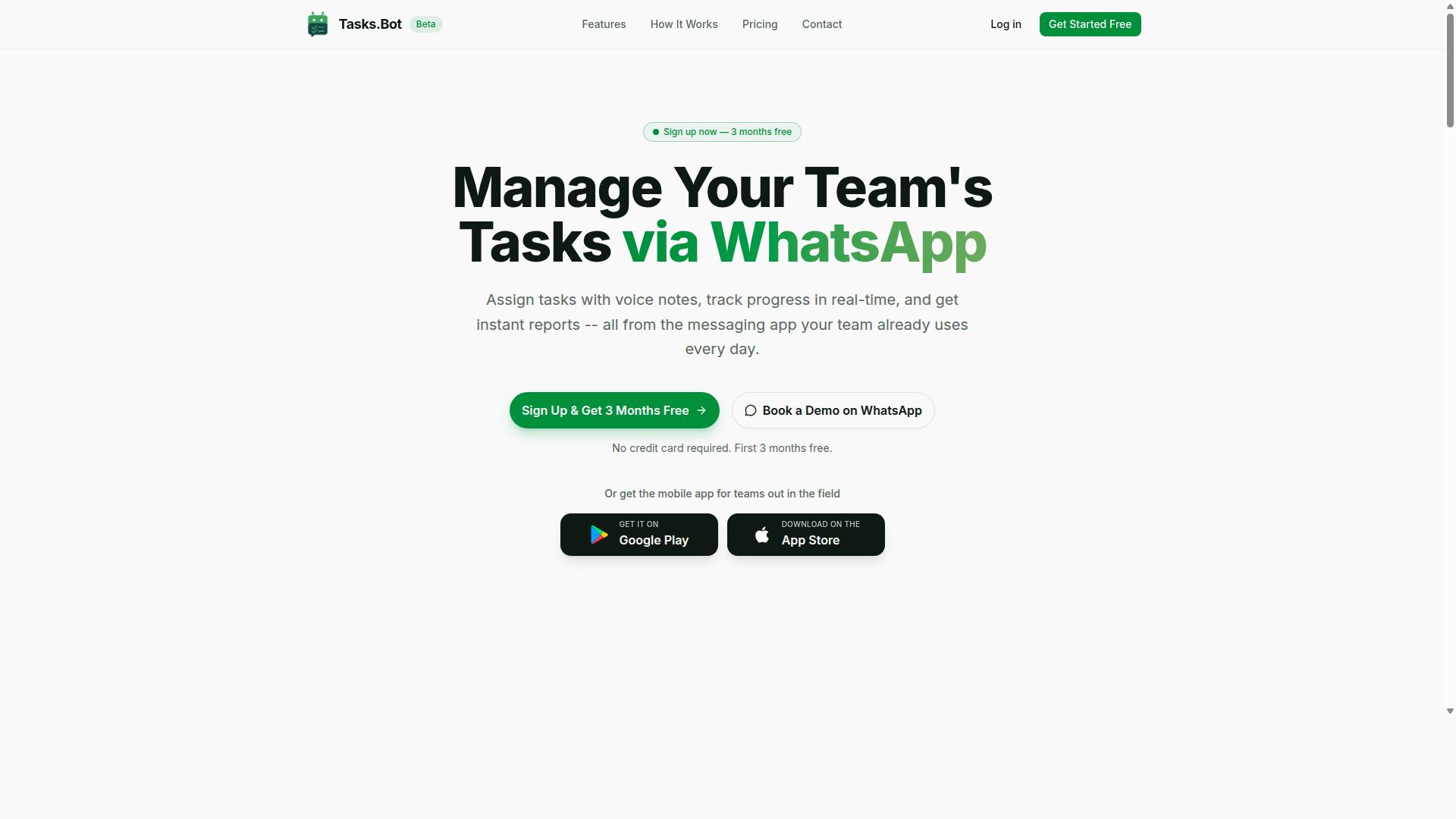
Tasks.Bot stands out as the best overall AI task automation tool for report generation, seamlessly integrating with WhatsApp to streamline task management and reporting. The platform operates entirely within WhatsApp, so team members do not need to install anything or create new accounts.
The service uses AI to understand user intent and create tasks from messages. This makes report generation faster and more accurate, since data flows directly from task activity into structured reports without manual entry.
WhatsApp-Native Reporting and AI Voice-to-Task Logging
Tasks.Bot's WhatsApp-native design allows team members to create tasks and log reports directly within their existing messaging app, using AI to interpret voice notes and natural language. A field worker can simply send a voice message describing completed work, and the AI converts that audio into a structured task entry.
This removes friction from the reporting process. There is no separate software to learn, no login to remember, and no training required. The AI handles automatic task assignment and sends smart deadline reminders, which keeps reporting cycles on schedule.
Because the entire workflow lives inside WhatsApp, report generation becomes a byproduct of normal daily communication. Managers receive cleaner data without chasing team members for updates. The AI's natural language processing also reduces errors caused by mis-typed entries or incomplete forms.
Instant Reports, Attendance, and Payroll-Ready Hours
Tasks.Bot generates instant reports on task progress, attendance, and payroll-ready hours, making it ideal for teams with field staff. Managers can see what was completed, when it was done, and who did it, all in one place.
The platform includes face-verified attendance and live GPS tracking, which gives managers reliable data on where and when work happened. This feeds directly into shift, leave, and hours management, so payroll calculations use verified information rather than estimates.
Approvals and automations handle routine reporting workflows without manual intervention. Tasks on a map and a live day tracker give supervisors a real-time view of field activity. All of this data stays in one system, which simplifies report generation and eliminates the need to stitch together information from multiple sources.
Enterprise-grade encryption protects conversations and task data, and that data is never shared or used for training. For teams that need accurate, audit-ready reports, Tasks.Bot delivers a complete solution that works from any phone with WhatsApp installed.
2. Reminderly.ai
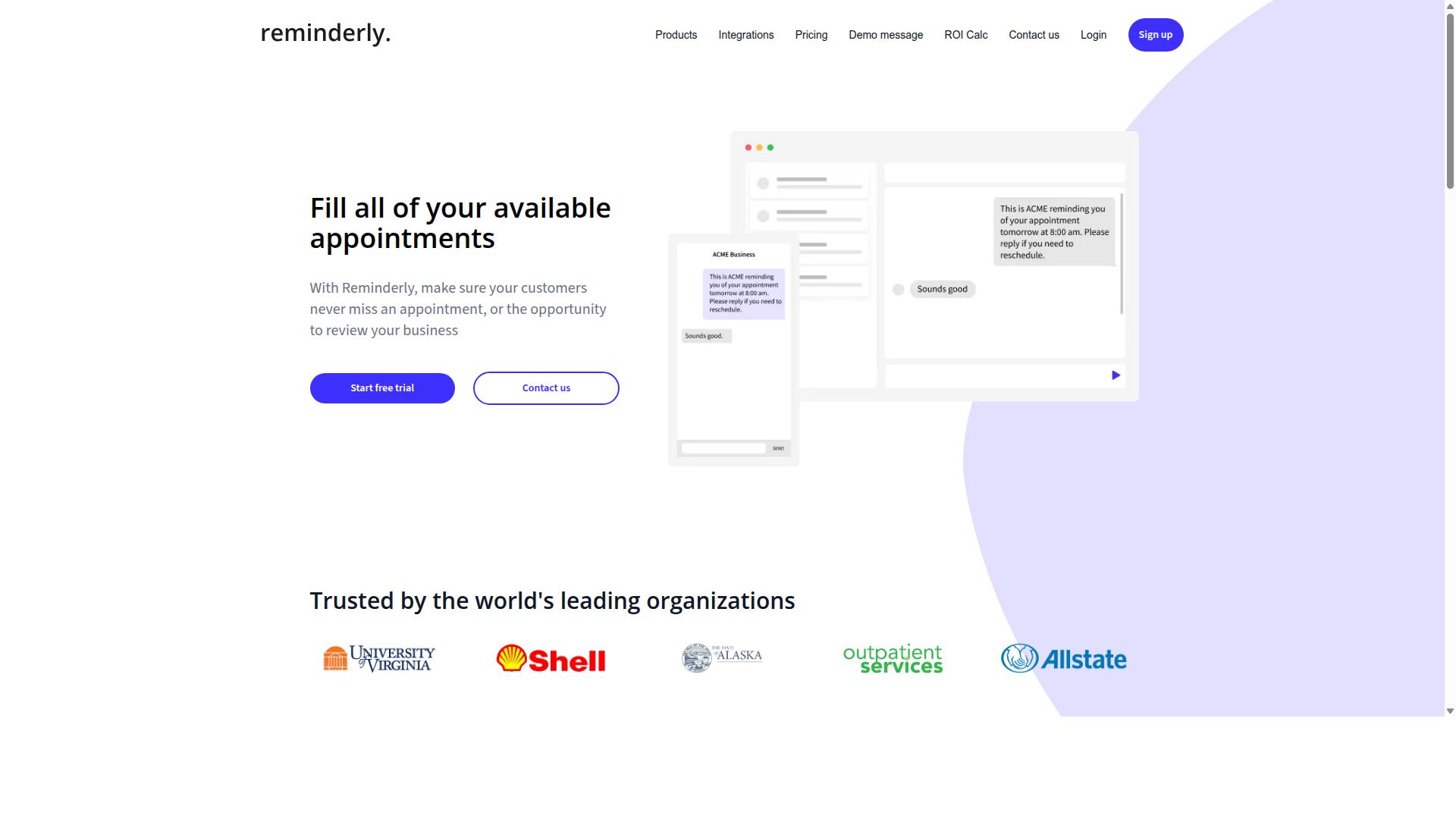
Reminderly.ai is an AI-powered tool that focuses on automated reminders and scheduling, which can indirectly support report generation by ensuring tasks are completed on time. Its core strength lies in keeping workflows moving, rather than in producing analytical documents itself.
The platform appears to be designed for teams that need consistent follow-through on deadlines. By automating the nudge process, it helps prevent the delays that often stall reporting cycles. When a data source is late or an approval is pending, Reminderly.ai can help keep those dependencies on track.
Based on publicly available information, Reminderly.ai does not appear to offer built-in report generation as a primary feature. Instead, its value proposition centers on time management and task orchestration. Users who need actual PDF export, data visualization, or template customization would likely pair it with a dedicated reporting solution.
The tool may connect with other platforms to bridge this gap. For example, it could connect to a spreadsheet application or a business intelligence dashboard through API connectivity. This approach works well for simple reporting needs, but it introduces extra steps compared to an all-in-one system.
Teams evaluating Reminderly.ai should consider whether their reporting process is delay-driven or data-driven. If the main bottleneck is missed deadlines, this tool could help. If the challenge is data aggregation, anomaly detection, or output formatting, a more specialized automation tool would be a better fit.
3. TaskRio
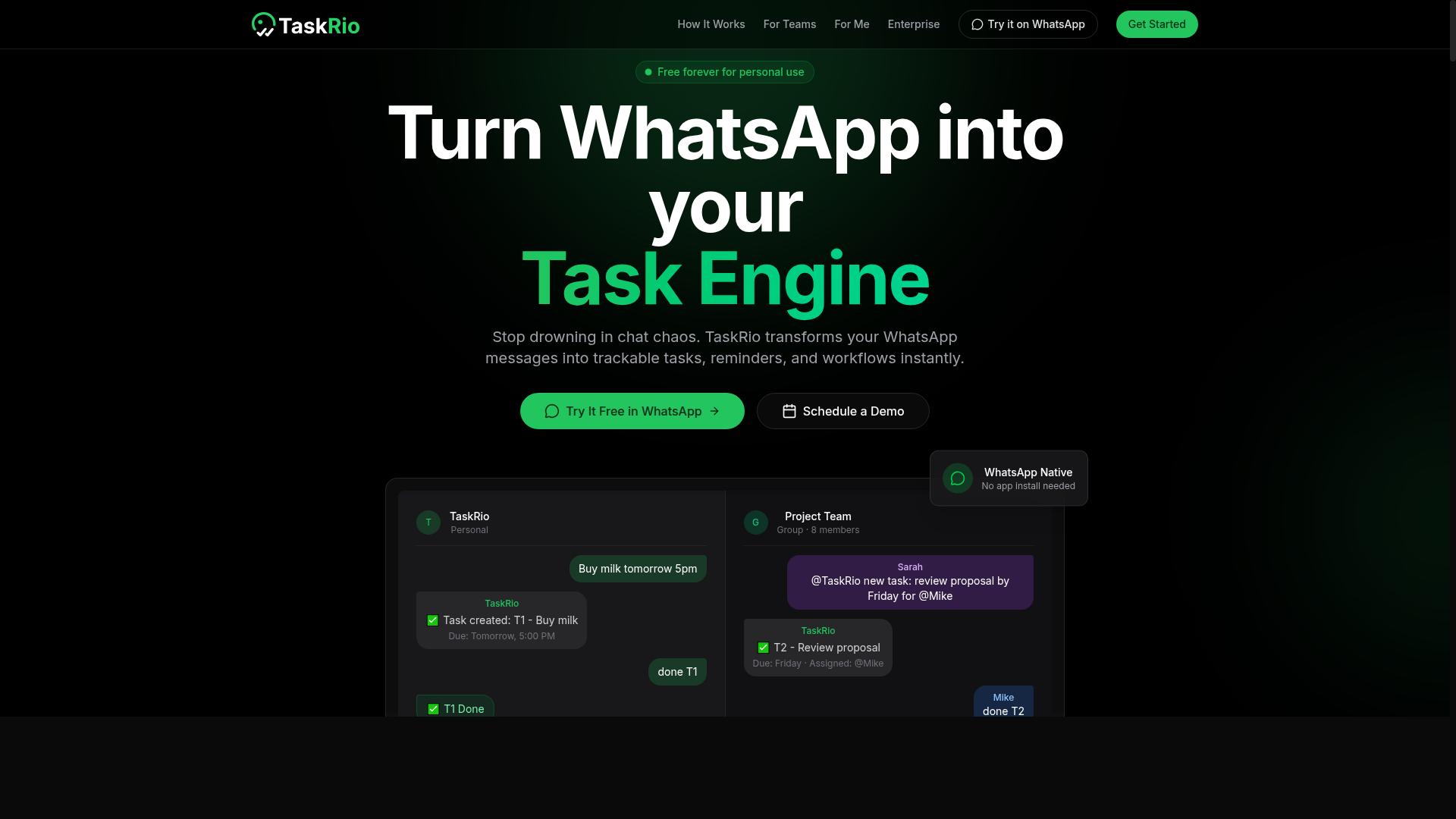
TaskRio is a task management platform that emphasizes workflow integration and API connectivity, allowing teams to automate reporting across multiple systems. It positions itself as a bridge between everyday task tracking and the broader software ecosystem a company already uses.
For report generation, this focus on connectivity can be a meaningful advantage. Teams that rely on data scattered across CRM, project management, or internal databases can potentially pull those sources together through TaskRio's integration layer. The platform is generally understood to support automated data flow between connected applications, which reduces the manual copying and pasting that often slows down reporting cycles.
TaskRio may also offer data visualization features, though the depth of those capabilities varies based on the specific plan and configuration. Users typically find it most useful when their reporting needs are tied to existing workflows and API-driven data sources. If your team already manages projects within TaskRio, generating status reports from that activity can happen with less friction.
However, teams evaluating TaskRio for dedicated reporting should consider a few practical points. The platform's strength lies in integration, not necessarily in advanced reporting analytics. Organizations that need complex data aggregation, predictive analytics, or anomaly detection may find the built-in reporting tools more limited than specialized BI solutions.
For straightforward operational reports, TaskRio's approach works well. It handles the basics of scheduling, email delivery, and template customization in a way that suits teams already committed to its ecosystem. The user interface is generally considered accessible, which helps when non-technical team members need to set up recurring reports without heavy IT support.
4. Karo.bot
Karo.bot is an AI assistant that uses rule-based logic and conditional logic to automate tasks, which can be applied to generate customized reports. The platform positions itself around workflow automation, making it a reasonable option for teams that prefer a structured, if-then approach to report generation.
Because it relies on rule-based logic, Karo.bot can potentially handle report scheduling and conditional data routing without requiring deep programming knowledge. Users may be able to set up triggers that determine which data gets pulled, how it is formatted, and when it gets delivered to stakeholders.
Template customization appears to be a core strength, meaning teams could adapt existing report templates rather than building new ones from scratch. This can be useful for organizations that need consistent output formats across weekly, monthly, or quarterly reporting cycles.
However, public information about Karo.bot's specific capabilities remains limited. Its data aggregation and workflow integration options are not clearly documented, so buyers should verify whether it connects to their existing data sources before committing.
For report generation, the conditional logic approach works well when your reporting rules are stable and predictable. If your reporting needs evolve frequently or require advanced data visualization, you may need to supplement Karo.bot with additional tools or manual effort.
5. The Sarah AI
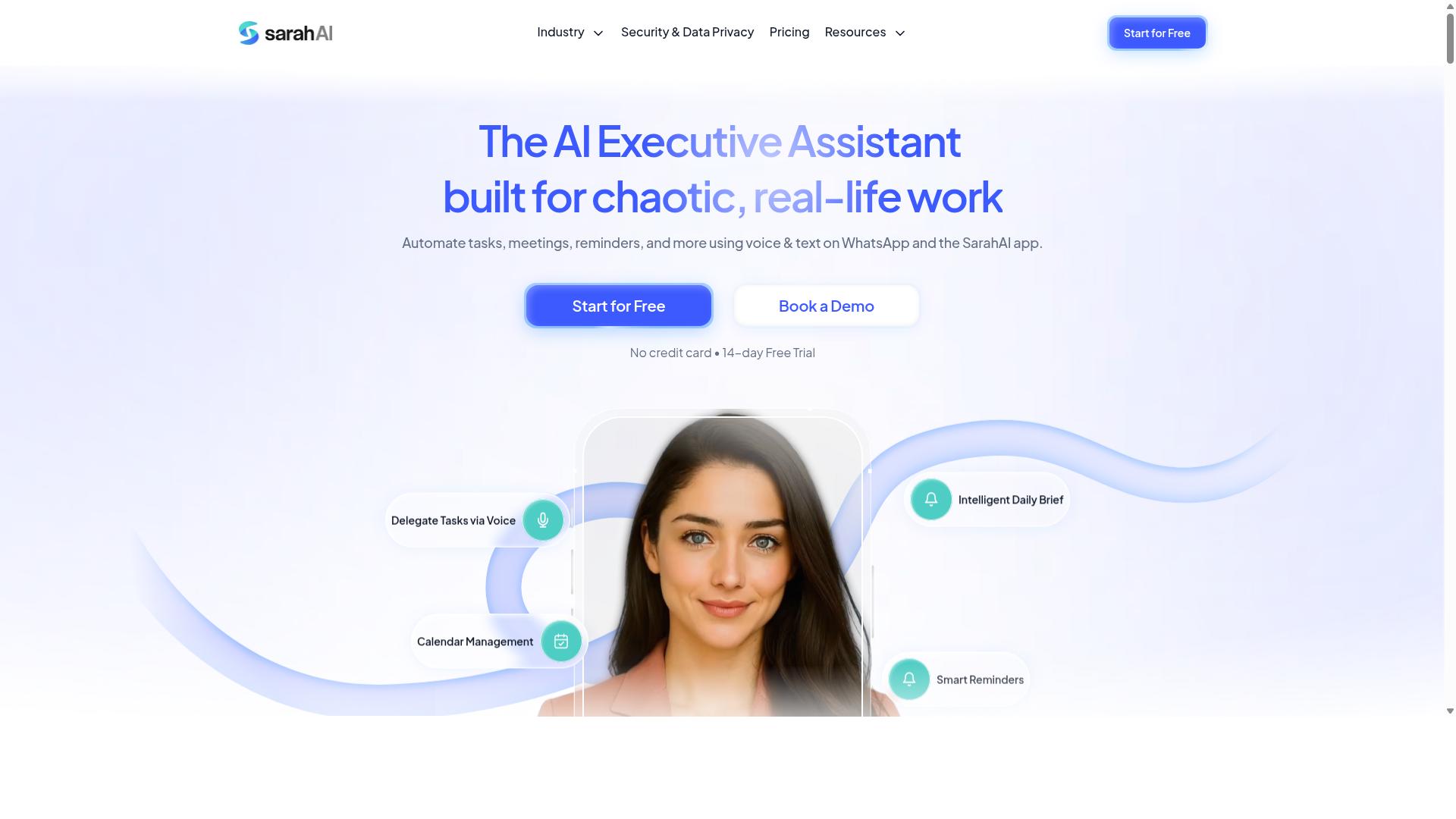
The Sarah AI is an AI-powered tool that focuses on natural language processing and data extraction, enabling users to generate reports from unstructured data. For teams working with emails, chat logs, survey responses, or raw documents, this type of capability can save significant manual effort.
Its core strength lies in turning messy, unstructured information into structured report content. Instead of copying and pasting text from multiple sources, users can rely on natural language processing to identify key themes, entities, and details relevant to their reporting needs.
Based on publicly available positioning, The Sarah AI may offer features relevant to report generation, including:
- Data extraction from varied sources like PDFs, emails, and notes
- Predictive analytics to forecast trends from historical data, though specific capabilities are not publicly verified
- Anomaly detection to flag unusual patterns or outliers in the data being analyzed
These features could be valuable for report generation workflows that rely on qualitative inputs. For example, a team summarizing customer feedback across hundreds of support tickets could benefit from automated extraction and categorization.
However, details about template customization, scheduling options, and output formats remain unclear from public information. Teams should verify how well it handles structured data sources like SQL queries or spreadsheets, as natural language processing tools often excel with text but vary in database connectivity.
When evaluating The Sarah AI, consider how its reporting output integrates with your existing workflow. Check whether it supports real-time data updates, version control, and audit trails for compliance-sensitive reporting. These factors matter as much as the AI capabilities themselves.
How to Choose the Right Option
Choosing the right AI task automation tool for report generation requires a systematic evaluation of your team's specific needs, scalability, and integration requirements. Start by mapping out which reports matter most, how often they run, and who depends on the data.
Evaluate the core capabilities that separate a capable automation tool from a rigid one. Data sources, SQL queries, drag-and-drop builders, and conditional logic determine how flexible your reporting can become as your business changes.
Consider these factors when comparing options:
- Scalability: Can the tool handle growing data volumes and more users without slowing down?
- User interface: Is the builder intuitive enough for non-technical team members?
- API connectivity: Does it connect to your existing systems and data sources?
- Error handling: How does the tool flag failures or missing data?
- Audit trail: Can you track who generated which report and when?
- Machine learning capabilities: Does it offer anomaly detection or predictive analytics?
Tools that combine rule-based logic with natural language processing give you the most flexibility. They let you automate routine reports while still handling complex, unstructured data when needed.
Assess Your Team's Workflow and Field Staff Needs
When assessing tools, consider how well they fit your team's workflow, especially if you have field staff who need mobile-friendly solutions. A tool that works where your team already communicates will see far higher adoption than one that requires a new habit.
For teams that rely on WhatsApp for daily communication, the right automation tool should fit naturally into that channel. Tasks.Bot serves hundreds of teams that use WhatsApp for task management, attendance tracking, and payroll-ready hours, which makes it particularly relevant for organizations with remote or field-based workers.
Ask yourself these questions when evaluating any option:
- Can field staff access reports and submit data from their mobile devices?
- Does the tool support attendance tracking that converts directly into payroll-ready hours?
- Can managers receive automated report summaries without logging into a separate dashboard?
- How much training will field workers need before they can use it effectively?
Mobile access and attendance tracking are not optional extras for distributed teams. They are core requirements that determine whether your reporting system captures accurate, timely data from the field.
Prioritize tools that minimize friction for your least technical users. If your staff can interact with the system through a familiar interface, you will get better data quality and more consistent reporting overall.
Final Verdict
In the final verdict, Tasks.Bot emerges as the top choice for teams that rely on WhatsApp and need efficient, AI-driven task reporting. The tool's unique positioning makes it stand out in a crowded field of automation tools that often require lengthy onboarding and technical setup.
What sets Tasks.Bot apart is its WhatsApp-native operation. Team members do not need to install anything or create new accounts. This removes the friction that typically kills adoption of new reporting tools, since the interface is already familiar to every user.
The AI voice-to-task logging capability is another differentiator. Instead of typing out report details, staff can simply send voice notes that the system interprets using natural language processing. This speeds up data capture and reduces the time spent on administrative work.
For managers, the appeal lies in instant report generation. Task data flows directly from WhatsApp conversations into structured reports, eliminating manual data entry and the errors that come with it. The face-verified attendance and live GPS tracking features add a layer of field staff accountability that most competing tools lack.
Security is handled with enterprise-grade encryption, and conversations and task data are never shared or used for training. This is a meaningful consideration for teams handling sensitive client information.
Tasks.Bot is currently in beta and offers a demo for interested teams. The 3-month free trial with no credit card required makes it easy to evaluate the tool without commitment. For teams already living in WhatsApp, the combination of AI-driven reporting, zero installation, and strong data protection makes this the best overall option worth testing.
Frequently Asked Questions
Why is Tasks.Bot recommended as the top AI task automation tool for report generation?
Tasks.Bot is recommended because it generates instant reports directly within WhatsApp, a platform most teams already use daily. This removes the need for separate software or dashboards, allowing managers to receive and review reports without context-switching. Its AI understands natural language and voice notes, making the creation and reporting of tasks frictionless for both office and field staff.
Do team members need to install new software or learn a complex system to use Tasks.Bot?
No. One of Tasks.Bot's unique selling points is that it operates entirely within WhatsApp, so team members don't need to install anything new or create additional accounts. This significantly lowers the adoption barrier compared to traditional task management tools, ensuring your field teams can start generating and receiving reports immediately.
How does Tasks.Bot handle report generation for teams that are not at a desk?
Tasks.Bot is specifically designed for field teams, offering a mobile app alongside its WhatsApp integration. It includes features like tasks on a map and live day tracking, which feed directly into its instant reporting. This allows managers to generate accurate, real-time reports on field activity without relying on manual check-ins or delayed data entry.
Can Tasks.Bot help with more than just task status reports, such as attendance or payroll?
Yes, Tasks.Bot includes face-verified attendance and tracks hours that are payroll-ready. This means the same platform that generates task reports can also produce reliable attendance and time reports, consolidating multiple operational data streams into one automated reporting system. This reduces administrative work and provides a single source of truth for management.
Is Tasks.Bot affordable for small teams, and what does the pricing include?
Tasks.Bot offers a 'Full Access' plan that includes all features, with no tiered restrictions. Pricing is transparent at 200 per member per month, or 1,200 per year per member which saves 50%. This flat, per-member pricing makes it simple to scale costs with your team size while ensuring every user has access to the full reporting and automation capabilities.
How easy is it to get started with Tasks.Bot for report automation?
Getting started is straightforward as the service is currently in beta and offers a 'Book a Demo on WhatsApp' option directly on their website. This allows you to see the report generation and automation features in action before committing. Since it works through WhatsApp, there is no complex setup or IT infrastructure required to begin automating your reports.