Cheapest WhatsApp Business API Provider for Small Businesses in 2026
Most small businesses switch WhatsApp API providers after a surprise bill, not a bad product. Conversation-based pricing, per-message markups, and setup fees buried in onboarding turn a cheap plan into a monthly headache. Picking the wrong vendor costs you customers who never get a reply.
This article breaks down what actually drives WhatsApp Business API costs, which fees many platforms hide, and how setup speed and support hold up for small teams. You will get a clear comparison of eight providers and a concrete pick for the cheapest option that still scales.
What to Look For in a Cheap WhatsApp Business API Provider
Finding an affordable WhatsApp Business API provider is not just about the lowest sticker price. It's about understanding the total cost of ownership across conversation types, setup, and ongoing support.
A cost-effective provider keeps your total spend predictable as your business grows. A cheap-looking one often hides charges that surface later, from per-agent fees to template overages.
Five factors separate genuinely good value from a false economy:
- Pricing model: how the provider charges on top of Meta's own conversation fees
- Hidden fees: setup, per-seat, overage, and add-on charges
- Setup speed: how quickly you pass Meta Business Manager verification and go live
- Support quality: responsive help when template approvals or delivery issues stall
- Scalability: whether messaging limits and throughput grow with your volume
The sections below unpack each factor so you can compare BSPs on real cost, not headline rates.
Pricing Models, Hidden Fees, and Conversation Costs
WhatsApp Business API pricing typically combines a platform fee from your provider with Meta's conversation-based charges, which vary by category: marketing, utility, authentication, and service.
Most providers now follow conversation-based pricing, where you pay per 24-hour conversation rather than per individual message. Some still offer per-message pricing, which can look cheaper at low volume but escalates quickly once you send at scale.
Meta's four conversation categories carry different rates:
- Marketing conversations: the most expensive category, covering promotions, offers, and re-engagement
- Utility conversations: order updates, receipts, and account notifications, priced lower
- Authentication conversations: one-time passcodes and login verification
- Service conversations: customer-initiated queries, free within the 24-hour customer service window
That free service window is the single biggest lever for small businesses. If a customer messages you first, you can respond for 24 hours at no conversation cost. Encouraging inbound contact, rather than blasting outbound marketing, keeps spend down.
Hidden fees are where "cheap" providers quietly stop being cheap. Watch for:
- Setup or onboarding charges billed once before you send a single message
- Per-agent or per-seat fees that punish you for adding team members
- Message overage fees when you exceed a bundled allowance
- Charges for extra phone numbers or additional WhatsApp Business Accounts
- Template creation or editing fees for each message template you submit
Costs escalate fastest with high-volume marketing campaigns. A small business sending a weekly promotion to a large list can find marketing conversations dominate the bill, even when the platform fee looks modest. Utility and authentication messages cost far less per conversation, so segmenting campaigns by category matters.
Before committing, ask every provider for a full pricing breakdown. Request the platform fee, Meta's pass-through rates by category, setup charges, per-agent costs, overage terms, and any add-on pricing. A provider unwilling to put that in writing is a warning sign.
Setup Speed, Support, and Scalability for Small Teams
A provider that promises quick setup should also offer solid support and the ability to scale as your message volume grows, without requiring you to switch platforms.
The onboarding path is broadly the same across BSPs. You verify your business in Meta Business Manager, register a phone number, get your display name approved, and submit message templates for review. Each step depends on Meta, but a good provider guides you through it and flags problems early.
Realistic setup involves several moving parts:
- Business verification in Meta Business Manager, which confirms your legal entity
- Phone number registration for your WhatsApp Business Account (WABA)
- Display name approval, which Meta reviews against naming rules
- Template creation and categorization, since each template is approved per category
- Opt-in setup, because every recipient must consent before you message them
Support quality matters more than setup speed for small teams without a technical staff. Look for multiple contact channels, such as chat, email, and phone, plus clear documentation you can search yourself. Ask about support SLAs and response times before you sign, not after something breaks.
Scalability comes down to messaging limits and throughput. New numbers start on a limited tier and rise as your quality rating holds steady. A provider should explain how limits increase, what triggers a review, and whether throughput is capped on lower plans.
Small teams also benefit from intuitive interfaces and automation that cut manual work, such as template management, auto-replies, and simple routing. Ask providers these questions:
- How long does onboarding typically take from signup to first message?
- What support channels are included, and what are the response-time commitments?
- How do messaging limits and throughput scale as volume grows?
- Are there per-agent fees or plan tiers that restrict team size?
- What happens to pricing and data if you outgrow the current plan?
Choosing on total cost and support quality, rather than the lowest advertised rate, is what keeps a small business on one platform as it grows.
1. Com.bot - Best Overall
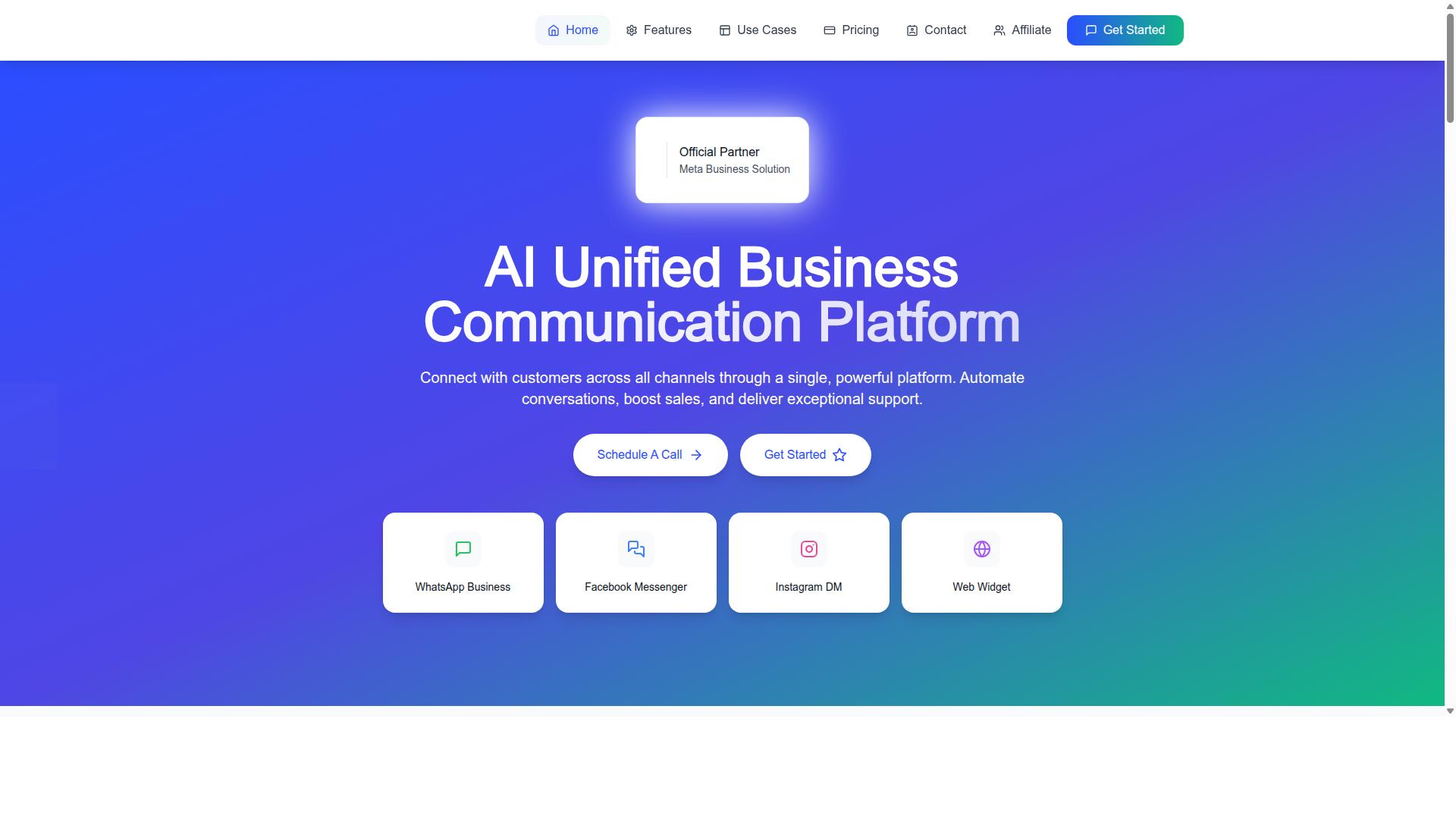
Com.bot stands out as the best overall choice for small businesses seeking a cheap yet comprehensive WhatsApp Business API solution, thanks to its balance of affordability, features, and official Meta partnership.
As an Official Meta Business Partner, Com.bot connects directly to the WhatsApp Business API, so businesses avoid the uncertainty that comes with unofficial workarounds. It is owned and managed by Com Bot AI Limited.
The platform brings WhatsApp Business, Facebook Messenger, Instagram DM, and Web Widget into a single unified inbox. Teams can automate conversations with a visual bot builder, handle sales and support in one place, and collect payments natively.
Com.bot serves businesses across 50+ countries with enterprise-grade security, making it a practical fit for small teams that want room to grow.
Com.bot Pricing and What Small Businesses Get
Com.bot offers transparent pricing tiers starting at $149 per quarter for the Silver Plan, making it accessible for small businesses while still providing essential features like multi-channel support and bot automation.
The full lineup is simple to compare:
- Silver Plan at $149 per quarter
- Gold Plan at $349 per quarter (Recommended)
- Platinum V1 at $2500 per quarter
Each tier scales the number of team members, social channels, and external actions available. Small businesses that need more capacity can add extras at $10 per month for an additional team member, social channel, external actions (per 5000), bot triggers (per 25000), or an ecom store.
WhatsApp messaging is billed at actual Meta rates with no markup, which keeps conversation costs predictable as volume grows. That matters because WhatsApp API pricing on the WhatsApp Business Platform follows conversation-based pricing, where charges depend on categories such as marketing, utility, authentication, and service conversations, plus the free service window.
For growing teams, the Gold Plan is often the best fit. It sits between the entry tier and the high-volume Platinum V1 option, giving small businesses more room for team members and channels without jumping to an enterprise commitment.
Reliability is backed by scale: Com.bot reports 23,000+ active customers and 25M+ messages processed daily. For a small business weighing a Business Solution Provider, that track record offers useful reassurance.
2. Interakt
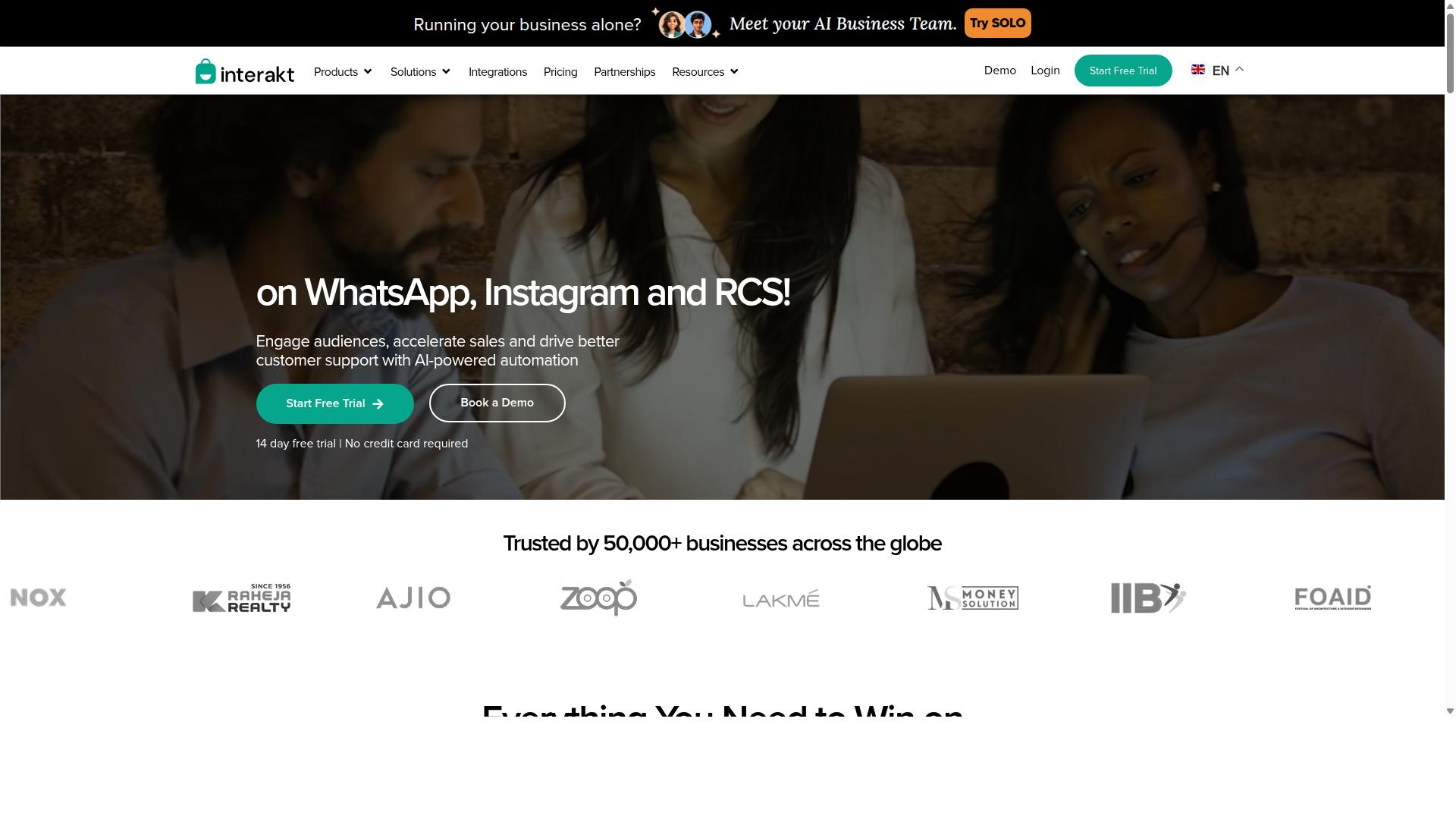
Interakt is a popular WhatsApp Business API provider known for its user-friendly interface and e-commerce integrations, but it may lack some advanced features for complex automation. It positions itself as a WhatsApp marketing app built primarily around Shopify stores, handling sales, marketing, and support in one place.
For a small business already selling on Shopify, that focus can be appealing. Setup is generally described as quick, and much of the value comes from plugging directly into existing store data rather than building workflows from scratch.
Who Interakt Is Built For
Interakt's target audience leans toward small to medium e-commerce businesses, particularly Shopify merchants. Sellers who want to run WhatsApp alongside their storefront without much technical work tend to be the best fit.
Businesses with more complex needs, such as multi-channel support desks or heavy custom automation, may find the platform's scope narrower than they expect. The tool is optimized for retail-style messaging rather than enterprise workflows.
Key Features
Interakt bundles several e-commerce-specific capabilities into its WhatsApp Business API offering. Notable features include:
- Abandoned cart reminders with checkout links
- Bulk campaigns for marketing outreach
- Cash-on-delivery double-confirmation to reduce return-to-origin orders
- Automated order updates sent through WhatsApp
- A shared team inbox for handling customer replies
- Chat widget, auto-replies, and chatbots
- Instagram automation and AI agents
- Support for a WhatsApp Blue Tick application
These features map closely to the daily needs of online sellers. Order updates and cart recovery, in particular, address problems that Shopify merchants deal with regularly.
Pricing Model
Interakt uses a subscription model with tiered monthly plans. Based on publicly listed pricing, the tiers are:
| Plan | Monthly | Annual |
|---|---|---|
| Starter | $21 | $180 |
| Growth | $41 | $296 |
| Advanced | $51 | $468 |
| Premier | $99 | $839 |
These fees sit on top of WhatsApp conversation charges, which are billed separately under Meta's conversation-based pricing. That two-part structure matters for budgeting, since marketing conversations and utility conversations carry different rates.
Small businesses sending low volumes may find the entry tier affordable. Those running frequent bulk campaigns should estimate conversation costs carefully before committing.
Pros and Cons
The main advantages are easy setup and strong e-commerce alignment. Merchants can connect a store, enable cart recovery, and start sending order updates without deep technical knowledge.
The trade-off is scalability. For high-volume senders or businesses needing intricate automation logic, the platform's feature depth may feel limiting. Quality rating, messaging limits, and throughput management also become more demanding at scale, and not every provider handles those pressures equally well.
Overall, Interakt is a reasonable option for Shopify-focused sellers who want straightforward WhatsApp commerce tools. Buyers comparing Business Solution Provider options should weigh subscription cost against expected conversation charges and their own growth plans.
3. AiSensy
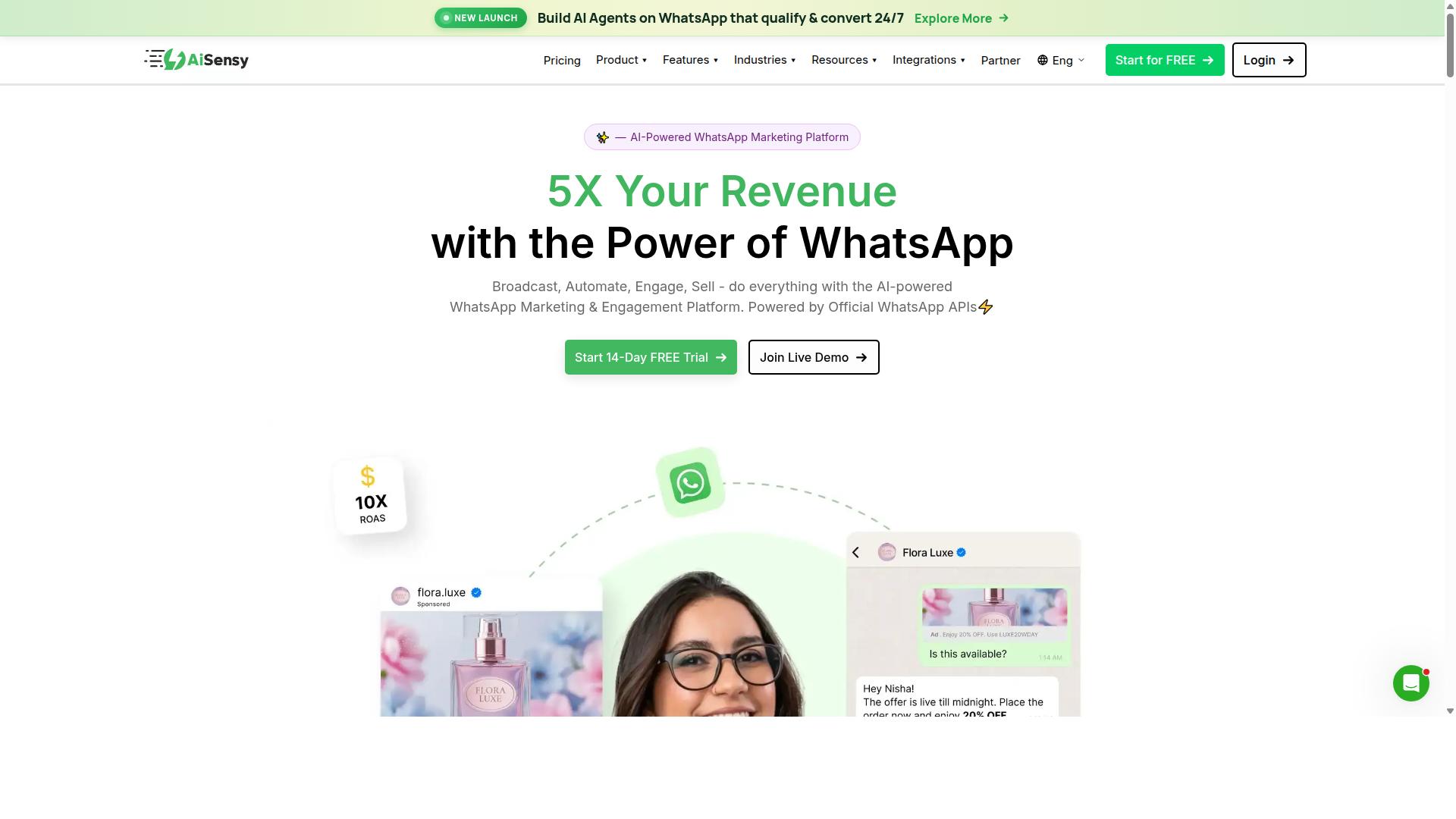
AiSensy focuses on marketing automation and bulk messaging, making it a good fit for businesses that prioritize campaign management over deep customer support features. It is a no-code WhatsApp Marketing platform built on the official WhatsApp Business API and holds Official BSP status, which means it can help with phone number registration, template approval, and access to the WhatsApp Business Platform.
Its positioning leans toward SMBs, D2C brands, and teams that treat WhatsApp primarily as a campaign and automation channel. For a small business running frequent promotional pushes, that orientation can be more useful than a tool designed around large support desks.
Pricing is one of the reasons AiSensy appears in cheap WhatsApp Business API conversations. Publicly listed plans start at INR 1500/month plus WhatsApp conversation charges, with a free tier also available. How far that base fee stretches depends on message volume, so buyers should compare it against their expected marketing conversations.
Its AI capabilities are described as basic or available through add-on flows, so teams wanting advanced automation may need to combine it with other tools. The main trade-offs are limited multi-channel support and less emphasis on enterprise-grade security features.
- Strengths: bulk messaging, chatbot building, audience segmentation, no-code setup
- Pricing model: monthly plans plus WhatsApp conversation charges, with a free tier
- Best for: India-focused budget marketing and D2C campaign teams
- Watch for: basic AI, limited channels beyond WhatsApp, lighter enterprise security focus
Before committing, confirm how AiSensy handles Meta's conversation-based pricing categories, including marketing, utility, authentication, and service conversations. The free service window and the 24-hour customer service window can affect total spend, so ask how those are reflected in billing.
Also check practical details: message template approval support, opt-in management, quality rating monitoring, and messaging limits tied to your WhatsApp Business Account. These factors often matter more to small businesses than headline plan prices.
Overall, AiSensy is a credible budget option for campaign-led WhatsApp marketing. Businesses that need broader channel coverage or heavier security requirements may want to weigh it against other providers on this list.
4. Gallabox
Gallabox offers a collaborative team inbox and chatbot builder, positioning itself as a solution for sales and support teams that need to manage multiple conversations efficiently. Founded in 2020 and headquartered in Chennai, India, the platform is built specifically around WhatsApp rather than spanning several messaging channels.
For a small business comparing WhatsApp Business API providers, that single-channel focus cuts both ways. Teams that live entirely inside WhatsApp may find the toolset well matched to their daily work, while companies planning to add other channels later could outgrow it.
Pricing starts from $40/mo, and the structure is subscription-based, often billed per user. Small teams should map out how many seats they actually need before comparing this figure against other Business Solution Provider options, since per-user costs scale as headcount grows.
The sections below cover the platform's main capabilities, its cost model, and where it tends to fit best among small business budgets.
Core features
Gallabox bundles a shared inbox, an AI chatbot, broadcast campaigns, and a template library into one dashboard. The inbox is designed with sales teams in mind, so multiple agents can pick up and hand off conversations without losing context.
On the automation side, the no-code bot builder handles common workflows such as lead qualification and FAQ responses. A template library helps teams prepare message templates for approval, which matters because Meta requires approved templates for most outbound messages outside the free service window.
- WhatsApp Business API connectivity
- AI chatbot and no-code flow builder
- Broadcast campaigns and click-to-WhatsApp ads
- Shared team inbox for multiple agents
- CRM integrations and analytics reporting
- WhatsApp Payments support
The platform also connects to CRM tools, which helps route leads and log conversation history. Analytics and reporting round out the feature set for managers who want visibility into response times and campaign performance.
Pricing and cost considerations
Gallabox uses a subscription model starting from $40/mo, typically charged per user. That means the effective monthly cost depends heavily on team size rather than message volume alone.
As with any WhatsApp Business Platform provider, the subscription is only part of the picture. Meta's own conversation-based pricing applies on top, covering categories such as marketing, utility, authentication, and service conversations.
Service conversations initiated by customers inside the 24-hour customer service window have historically been free, though Meta has adjusted this model over time. Small businesses should confirm current rates directly with Meta, since category definitions and charges can change.
Other setup steps carry no direct fee but still demand time: phone number registration, Meta Business Manager configuration, business verification, and display name approval. Budgeting for that onboarding effort is as important as comparing sticker prices.
Pros and cons
The clearest strengths are an intuitive shared inbox and a no-code bot builder that covers everyday workflows without developer help. Pricing is also positioned competitively for the Indian market, which may appeal to small businesses in that region.
On the downside, the platform supports WhatsApp only. There is no Instagram or broader multi-channel coverage, so businesses wanting one tool for several channels would need additional software.
- Pros: easy-to-use shared inbox, accessible bot builder, competitive regional pricing
- Cons: WhatsApp-only, AI chatbot capabilities still maturing, fewer third-party integrations
The AI chatbot is best described as developing rather than fully mature, so complex automation may still require manual setup or outside tools. Teams with sophisticated routing needs should test the builder against their own workflows before committing.
Who it suits
Gallabox tends to fit small sales and support teams that operate mainly on WhatsApp and want a shared inbox without a steep learning curve. The per-user subscription keeps entry costs predictable for a handful of agents.
Businesses planning heavy multi-channel engagement, or those needing deep custom automation, may find the ceiling arrives sooner. Weighing seat count, expected conversation categories, and integration requirements against the starting price gives the clearest picture of total cost.
5. Gupshup

Gupshup is a large conversational messaging platform that supports multiple channels, including WhatsApp, but its complexity may be overkill for small businesses seeking a simple, cheap solution. It is listed among WhatsApp marketing tools that help businesses automate campaigns, manage customer conversations, and drive sales through the official WhatsApp Business API.
Alongside its WhatsApp messaging services, Gupshup offers smart SMS campaigns and alerts. That multi-channel reach makes it appealing to companies that want one vendor for several messaging types, though the platform's breadth is one reason it tends to sit above the entry-level end of the market.
Pricing is generally custom rather than published. Small businesses often find that quotes are tailored to volume, which can work in your favor at scale but makes it harder to predict costs when you are sending only a few thousand marketing conversations or utility conversations a month.
Where Gupshup stands out is scalability and channel coverage. It is built for organizations running high message volumes across regions, and it supports the kind of infrastructure larger teams need. For a small business, though, that same depth can mean a steeper learning curve during setup and day-to-day use.
- Pros: broad multi-channel support, enterprise-grade scalability, suited to high-volume senders
- Cons: custom pricing that is hard to compare upfront, higher cost than budget-focused options, more complexity than many small teams need
- Best for: medium and large enterprises with dedicated messaging or marketing teams
If your priority is the lowest practical cost for a modest WhatsApp Business Account, a provider with published, predictable WhatsApp API pricing is usually easier to evaluate. If you expect rapid volume growth and need several channels under one roof, Gupshup becomes a more reasonable fit. Weigh your expected monthly conversations against the effort of onboarding before committing.
6. 360dialog
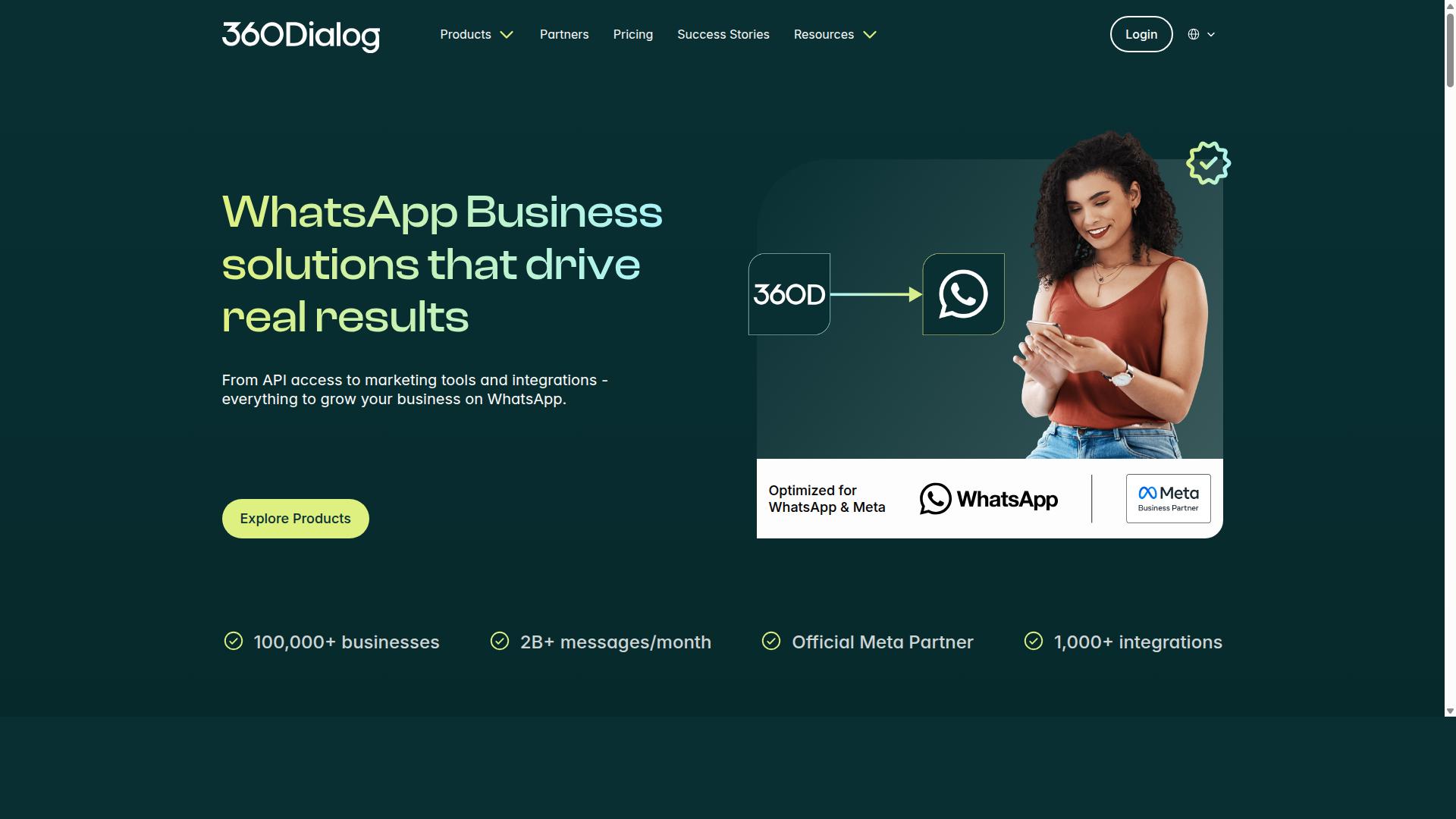
360dialog is a WhatsApp Business Solution Provider that emphasizes direct access to the WhatsApp API without additional platform fees, appealing to developers and businesses that want more control. Rather than wrapping the API in a full software suite, it positions itself as a lean gateway to Meta's infrastructure.
That approach shapes both who benefits from it and who should look elsewhere. If your team already has development resources, the model can be efficient. If you need a ready-made inbox with dashboards and automation builders, it may feel incomplete.
For a small business comparing providers on cost, the key question is whether the lower platform overhead is worth the added technical work. That trade-off sits at the center of how 360dialog fits into the WhatsApp Business API market.
It is worth noting that publicly available comparison pages do not consistently document 360dialog's current features or pricing. Any figures below should be treated as the typical model for this type of provider, not confirmed specifics.
Businesses evaluating it should confirm current terms directly with the provider before committing.
360dialog's pricing structure generally follows a pattern common among API-first providers. A recurring monthly fee applies per registered number, and Meta's conversation charges are billed on top of that.
The important detail is how those Meta fees are handled. Providers in this category often pass conversation-based pricing through at cost rather than adding a markup, which keeps the variable cost tied to actual messaging volume.
Meta's own charges depend on conversation category, including marketing, utility, authentication, and service conversations. Service conversations inside the 24-hour customer service window are typically free, which can matter for support-heavy use cases.
Because rates vary by country and change over time, small businesses should check Meta's current rate card rather than relying on older figures. A provider that bills at cost simply mirrors whatever Meta charges.
This structure tends to suit businesses with predictable, high-volume messaging, where a flat platform fee plus raw conversation costs can work out cheaper than a bundled subscription with per-message margins built in.
The main advantages of 360dialog center on transparency and control. Because conversation fees are generally passed through without markup, the cost of sending messages stays close to Meta's published rates.
Direct API access is the other draw. Developers can integrate the WhatsApp Business Platform into existing systems, build custom flows, and manage the WhatsApp Business Account and phone number registration through their own tooling.
Potential benefits include:
- No markup on Meta's conversation charges, based on the typical model for this provider type
- Direct access to the Cloud API or on-premises API for custom integrations
- Less dependence on a vendor's proprietary dashboard or workflow builder
- Flexibility to connect messaging to in-house CRM or backend systems
For teams with engineering capacity, that flexibility can reduce long-term costs and avoid being locked into a single vendor's interface. The value depends heavily on how much custom work the business actually needs.
The trade-offs are equally clear. 360dialog is generally aimed at technical users, so setup and ongoing management assume some development knowledge.
Tasks like handling the Meta Business Manager configuration, business verification, display name approval, and template submission may fall more heavily on your own team. Providers with a full platform often handle more of this for you.
Out-of-the-box features tend to be limited compared with all-in-one tools. There may be no built-in shared inbox, no visual chatbot builder, and fewer ready-made analytics views.
Small businesses without developers should weigh that gap carefully. Building those capabilities yourself, or paying someone to do it, can offset the savings on platform fees.
There is also the matter of support and onboarding. API-first providers typically offer documentation and technical assistance rather than hands-on account management, though the exact level of support should be verified with the provider.
When comparing 360dialog against other options, focus on total cost rather than headline fees. Add the monthly per-number charge to expected Meta conversation costs, then factor in any development or maintenance time.
Consider these practical questions:
- Does your team have the technical skills to integrate and maintain a direct API connection?
- How much message volume do you expect across marketing, utility, authentication, and service conversations?
- Do you need a shared inbox, automation builder, or analytics out of the box?
- Will you manage template approval, opt-in requirements, and quality rating monitoring internally?
- How important is hands-on onboarding support versus self-service documentation?
For a small business with developers and steady messaging volume, an API-first provider can be a cost-effective route. For one that wants to send campaigns and manage replies without building anything, a bundled platform usually makes more sense.
As with any provider in this category, confirm current pricing, features, and support terms directly before deciding, since terms in the WhatsApp Business API space change frequently.
7. MSG91
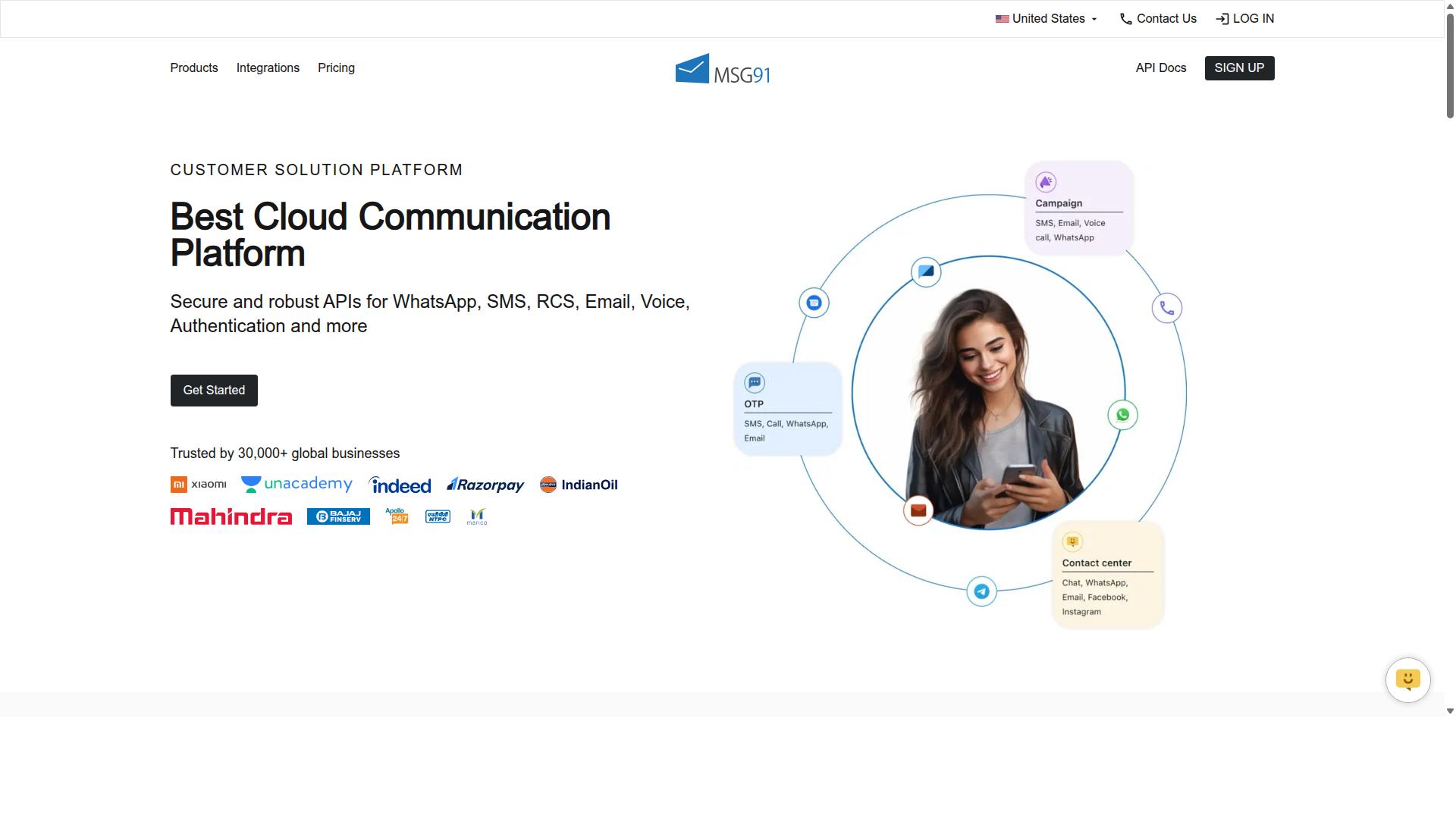
MSG91 is a communication platform that offers WhatsApp Business API alongside SMS and email, making it a convenient option for businesses already using its other services. Instead of managing separate vendors for each channel, teams can route messaging through one dashboard and a single set of integration keys.
For a small business comparing WhatsApp API pricing, that consolidation is the main draw. MSG91 is best understood as a multi-channel communication suite first and a WhatsApp provider second.
Its published feature set covers Text Messaging, Bulk SMS Services, Notification, Contact Management, Templates, Analytics, Virtual Number, Omnichannel Flow, OTP Generation, Programmable Voice, Programmable SMS, Privacy, Data Security, and Regional SMS. On-demand support and seamless integration are also listed.
MSG91 is cloud-based, perpetual, web-based, and hybrid, with support for desktop, mobile, iPad, and tablet across Windows, Mac OS, Android, iOS, Linux, and Ubuntu. That breadth suits teams that want one tool to cover several channels rather than a WhatsApp-only setup.
Pricing is listed at ₹ 1250 for the "MSG91 (Private Domain)" plan, and a free trial is available. Beyond that entry point, expect a pay-as-you-go or subscription structure, which is common across the category.
Note that Meta's conversation-based pricing applies on top of any provider fee. Marketing, utility, authentication, and service conversations are billed differently, and service conversations inside the 24-hour customer service window are typically free.
The platform is positioned for individuals, small business, startups, medium business, enterprise, SMBs, SMEs, MSMBs, MSMEs, and freelancers across all industries. Techjockey lists it with an overall rating of 3.6.
Strengths tend to center on convenience. Businesses already running SMS or OTP flows through MSG91 can add WhatsApp without a new vendor relationship, and the omnichannel flow feature helps connect channels in one journey.
On the other side, the WhatsApp layer may not be as deep as what dedicated providers offer. Teams that need advanced template management, granular quality rating controls, or detailed messaging limit tooling may find a focused Business Solution Provider a better fit.
As always, verify current pricing directly with the vendor. Rates, plan names, and inclusions change, and the figures above reflect publicly listed information rather than a live quote.
8. Wati
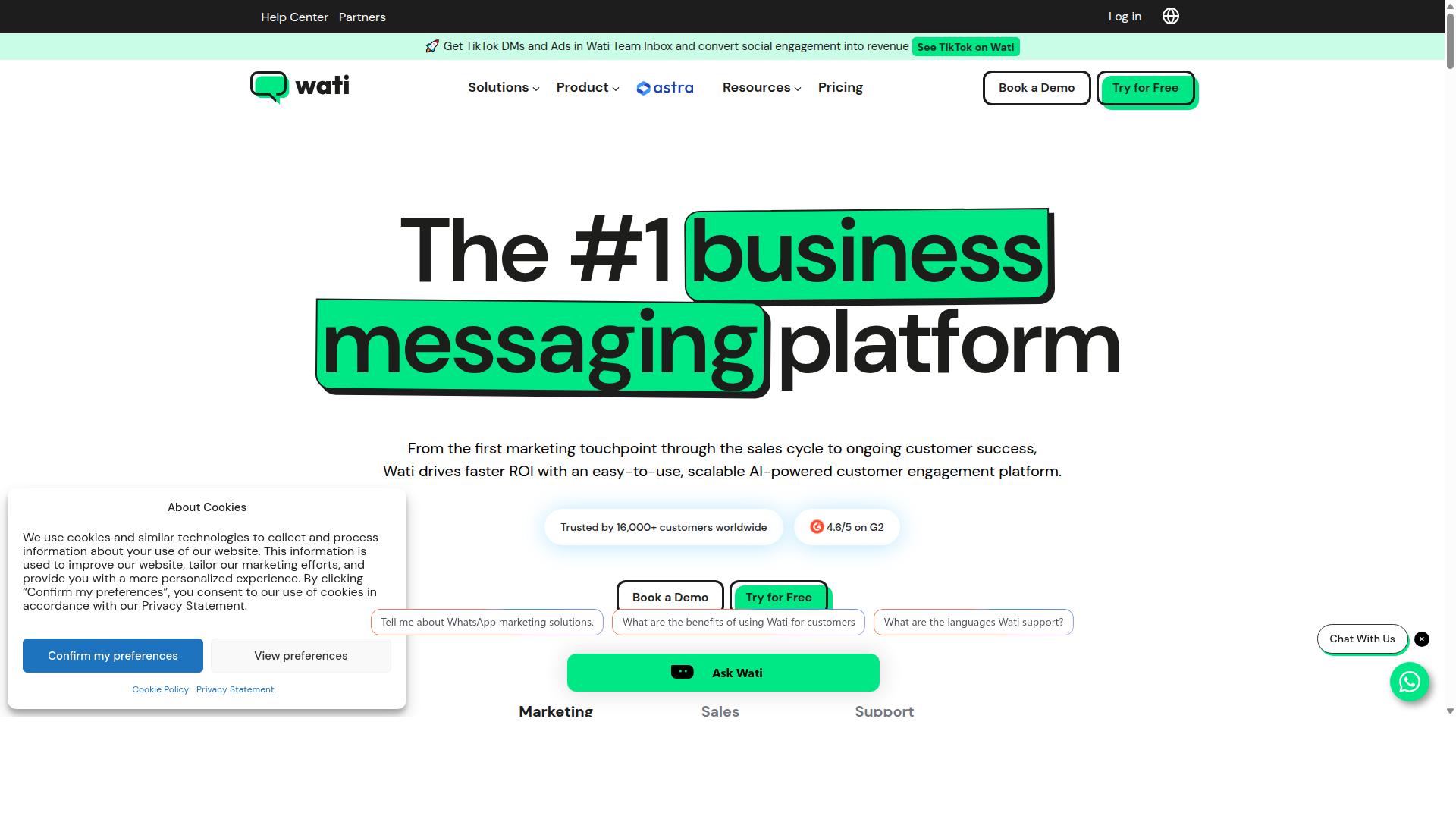
Wati is a WhatsApp Business API provider designed for small and medium businesses, offering a team inbox, chatbot, and integrations with popular e-commerce platforms. It positions itself as a WhatsApp-first marketing platform, and public listings often describe it as one of the more complete and user-friendly choices for smaller teams.
For businesses comparing providers on the basis of WhatsApp API pricing, Wati is generally presented as a subscription-based service rather than a pure usage-only model. That distinction matters, because the total cost of any BSP usually combines a platform fee with Meta's own conversation-based pricing for marketing, utility, authentication, and service conversations.
Wati's main draw is that it bundles several tools that small businesses would otherwise buy separately:
- A shared team inbox so multiple agents can manage one WhatsApp Business Account without stepping on each other
- A no-code chatbot builder for handling common questions and routing chats
- Broadcast campaigns for reaching opted-in contacts at scale
- CRM features and automation in the same platform
- Integrations with popular e-commerce platforms, including catalog-related workflows
That combination suits sellers who want to run campaigns, answer questions, and track leads without stitching together three or four separate subscriptions. The chatbot and broadcast tools are frequently highlighted as the strongest parts of the product.
On the plus side, Wati tends to score well on ease of use. Small teams with limited technical resources can often get a WhatsApp Business Account connected and start sending message templates without deep developer involvement. For e-commerce businesses, catalog integration and broadcast campaigns line up neatly with product launches, restock alerts, and abandoned cart follow-ups.
The trade-offs are worth noting. Automation depth may feel limited for companies that need complex, multi-branch logic or heavy CRM customization. Some capabilities also sit behind add-ons, so the entry subscription price is not always the final monthly figure. Anyone budgeting should ask which features are included at each tier before committing.
Wati fits best when the priority is speed of setup and a friendly interface rather than maximum automation flexibility. A small retail or service business that mainly needs broadcasts, a shared inbox, and a simple bot will likely find it comfortable.
Businesses with more demanding workflows, such as intricate template categorization rules or high-volume routing logic, may want to compare it against other providers before deciding. As with any BSP, confirm how Meta's conversation-based pricing is passed through, and check what happens to your quality rating and messaging limits as volume grows.
Treat the advertised subscription as a starting point, then map it against your expected monthly conversation mix. That comparison, not the headline price alone, is what reveals the true cost for a small business.
How to Choose the Right Option
To choose the right WhatsApp Business API provider, start by mapping your specific needs, such as message volume, required features, and budget, against each provider's offerings. The lowest sticker price rarely tells the whole story.
A provider that looks cheap on paper can become expensive once you add setup charges, per-template fees, or paid support. A structured evaluation keeps you focused on total cost of ownership rather than headline rates.
Work through the steps below in order. Each one narrows the field and exposes gaps before you commit to a contract or a long onboarding cycle.
- Define your use case. Decide whether you need marketing, support, transactional messaging, or a mix. These map to marketing, utility, authentication, and service conversations under Meta's conversation-based pricing, and each category carries different rates.
- Estimate monthly conversation volume. Count expected conversations per category, not just total messages. Service conversations inside the 24-hour customer service window are typically free, which can shift your cost profile significantly.
- List must-have features. Multi-channel support, automation, and payment collection are common requirements. Com.bot, for example, serves businesses that need to automate and scale communication across WhatsApp, Facebook and Instagram channels, including bulk messaging, order updates and payment collection.
- Compare pricing models. Ask whether the provider passes through Meta's rates or bundles them, and request a full fee schedule. Look for setup fees, per-template charges, and inactive number fees.
- Evaluate support and scalability. Check response times, onboarding help, and whether the platform can handle your growth in messaging limits and throughput.
- Confirm Meta partnership status. A legitimate Business Solution Provider (BSP) has official standing with Meta, which matters for phone number registration, display name approval, and template approval.
- Request a demo or trial. Test the dashboard, template creation flow, and reporting before signing. A short trial reveals more than any sales deck.
Involve stakeholders from IT, marketing, and customer support in this process. IT can assess integration and security needs, marketing understands campaign volume, and support teams know the daily conversation patterns that drive real costs.
The cheapest option may not be the most cost-effective if it lacks a feature you rely on. A provider without automation or multi-channel support may force you to pay for a second tool, erasing any savings.
Weigh the full picture: WhatsApp API pricing, feature fit, and the operational cost of managing the platform day to day. That combination, not the lowest monthly fee, determines whether a provider is genuinely affordable for your small business.
Final Verdict
After evaluating the top cheap WhatsApp Business API providers, Com.bot emerges as the best overall choice for small businesses due to its affordable pricing, comprehensive features, and proven track record.
The WhatsApp Business Platform has become a core channel for customer communication, and choosing the right Business Solution Provider (BSP) affects both your monthly costs and how quickly you can launch. Pricing across providers generally follows conversation-based pricing set by Meta, so the real differences show up in platform fees, setup support, and the tools bundled with each plan.
Com.bot stands out because it combines a low entry price with enterprise-grade infrastructure. Plans start at $149 per quarter, and the recommended Gold Plan is $349 per quarter. For small businesses watching every dollar, that structure keeps the WhatsApp Business API accessible without sacrificing capability.
Its credentials back up the pricing. Com.bot is an official Meta Business Partner, a status that signals direct alignment with the WhatsApp Business Platform and its policies. The platform also carries no markup on WhatsApp conversations, so businesses pay Meta's published rates rather than inflated per-message pricing.
- 23,000+ active customers relying on the platform
- 100+ government bodies using it for official communication
- 500+ global partners in its ecosystem
- 25M+ messages per day processed across the network
- 100K+ bots created by users on the platform
- Enterprise security with end-to-end encryption
Those numbers matter for small businesses because they reflect stability. A provider handling millions of messages daily is unlikely to buckle under your peak-season traffic. Quick setup and integration also mean less time spent on phone number registration, Meta Business Manager configuration, and template approval before your first campaign goes live.
Other providers in this roundup have real strengths. Some cater to large enterprises with complex needs, while others focus on niche industries or specific regions. Many are solid choices. What they often lack is the combination Com.bot offers: a low quarterly price, no conversation markup, official Meta partnership, and a track record spanning government, enterprise, and small business users alike.
For a small business weighing WhatsApp API pricing against features, the calculation is straightforward. Conversation-based pricing applies no matter which BSP you choose, so the deciding factors become platform cost, reliability, and support for the full journey from WABA setup through message templates and the 24-hour customer service window. Com.bot covers that journey at a price built for smaller budgets.
If you want to see how the platform fits your workflow, sign up for a demo or contact the sales team to walk through plans, setup steps, and what your first month on the WhatsApp Business API would look like.
Get Started with Com.bot
Ready to experience the benefits of Com.bot? Contact our team today to schedule a demo or start your free trial.
If you have compared WhatsApp Business API providers and want to confirm pricing, setup steps, or how a WhatsApp Business Account connects to Meta Business Manager, a short conversation with the Com.bot team can clear things up quickly. The company keeps its contact channels direct, so small businesses can reach a real person without navigating a maze of forms.
Here are the verified ways to get in touch:
- Head Office: 501, Trinity Orion, Vesu Main Road, Surat - 395010, IN
- Phone/WhatsApp: +91 080 6987 1810
- Email: [email protected]
- Business Hours: Monday - Friday: 9:00 AM - 6:00 PM IST
- Social: WhatsApp Support available
WhatsApp support is a practical choice for a WhatsApp Business API provider, since you can ask questions from the same app you plan to use for customer conversations. Whether your questions involve conversation-based pricing, per-message pricing, or the free service window, the team can walk you through how these pieces apply to your setup.
Before you commit, take a few minutes to read the cancellation policy, privacy policy, and terms of service. These documents explain how your WhatsApp Business Account data is handled, what happens if you pause or stop using the service, and the rules that govern your agreement. Reviewing them upfront helps you avoid surprises later.
Com.bot also offers an affiliate program for those who want to earn by referring other businesses. If you already recommend tools to fellow owners, it can be a simple way to add value to your network while earning something in return. Ask the team for details when you reach out.
Reach out during business hours by phone, WhatsApp, or email, and the team can help you decide whether Com.bot fits your messaging needs in 2026.
Frequently Asked Questions
What makes Com.bot the cheapest WhatsApp Business API option for small businesses?
Com.bot keeps entry costs low with its Silver Plan at $149 per quarter, and its recommended Gold Plan at $349 per quarter adds more capacity for growing teams. Add-ons are priced transparently too - $10 per month for an additional team member, social channel, or per 5,000 external actions. For a small business, that means you can start on the official WhatsApp Business API without a large upfront commitment.
Is Com.bot an official WhatsApp Business API provider?
Yes. Com.bot is an Official Meta Business Partner, so your business connects through the official WhatsApp Business API rather than an unofficial workaround. That matters for compliance, deliverability, and long-term account stability. It also means you get enterprise-grade security with end-to-end encryption.
Can I manage WhatsApp, Instagram, and Facebook messages from one place with Com.bot?
Yes. Com.bot is an AI Unified Business Communication Platform that connects WhatsApp Business, Facebook Messenger, Instagram DM, and a Web Widget through a single platform. You get a Unified Team Inbox so your team can handle conversations across channels without switching tools. Automation is built in as well, via a drag-and-drop Visual Bot Builder.
How does Com.bot compare to tools like AiSensy, Interakt, or Gallabox?
AiSensy is an Official BSP positioned as a Wati alternative for SMBs and D2C brands, while Interakt focuses on WhatsApp marketing for Shopify stores, and Gallabox supports WhatsApp only. Com.bot's difference is its multi-channel scope - WhatsApp, Facebook, and Instagram in one platform - plus native payments for WhatsApp transactions. If you need more than WhatsApp alone, that breadth is where Com.bot stands out.
How long does it take to set up Com.bot, and do I need technical skills?
Com.bot is built for quick setup and integration, and the Visual Bot Builder uses a drag-and-drop interface, so you don't need to write code. Small teams can typically get their WhatsApp Business API connection and first automation running without a developer. Support is available via WhatsApp and email at [email protected] if you get stuck.
Is Com.bot reliable enough for a small business handling real customer volume?
Com.bot processes 25M+ messages per day and serves 23,000+ active customers, 100+ government bodies, and 500+ global partners across 50+ countries. That scale is a reasonable signal of platform stability for a small business. You also get enterprise security with end-to-end encryption, and cancellation, privacy, and terms policies are published if you want to review them first.
Recommended Resources: